2 hell and back
New member
- Local time
- 9:36 AM
- Messages
- 1
Hi, I hope this is the right forum.
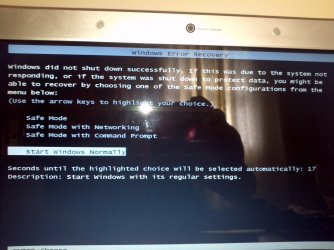
Sleep mode not working properly. When i close the lid, or select sleep, and then try to resume, the computer turns off instead. Upon restarting i get the error message "Windows did not shut down correctly" (as shown in the attached photo)
I have scoured these forums and have tried various solutions which do not work.
Some of the things that i have tried which i can remember:
Would love to solve this problem, really annoying.
Sleep mode not working properly. When i close the lid, or select sleep, and then try to resume, the computer turns off instead. Upon restarting i get the error message "Windows did not shut down correctly" (as shown in the attached photo)
I have scoured these forums and have tried various solutions which do not work.
Some of the things that i have tried which i can remember:
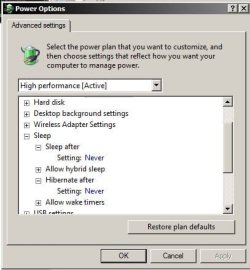
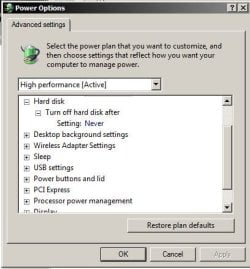
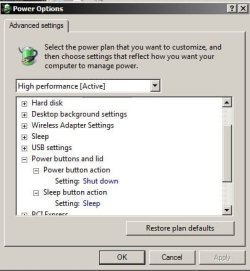
- Double checked all the power settings
- Checked the device manager and under "USB Controllers", where there is a "USB Root Hub" under "power management" i have deselected "allow this computer to turn off this device to save power"
- Turning off hybrid mode
Would love to solve this problem, really annoying.
Attachments
My Computer
At a glance
Windows 7 64 bitIntel Core i38GBIntel Integrated
- Computer Manufacturer/Model Number
- Samsung
- OS
- Windows 7 64 bit
- CPU
- Intel Core i3
- Memory
- 8GB
- Graphics Card(s)
- Intel Integrated
- Hard Drives
- 256GB Samsung SSD