
How to Use Rocketdock to Create an Office Toolbar
Information
Microsoft Office has evolved so much over the last few years yet the one thing I keep running accross is the questions asking "how can I get the Office toolbar back?". This short tutorial will show how to add your Office icons to RocketDock as an easy alternatice to the missing Office toolbar which was removed from 2003 +

Here's How
1. If you have not already, you will need to download and install the free program Rocketdock from the following link.
Download
2. Click
 rb: All Programs and click Microsoft Office
3. Click 'n' Drag each Office icon to the Toolbar
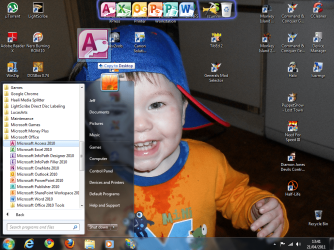
4. Right-click the icons on the Toolbar that you no longer need and select Delete
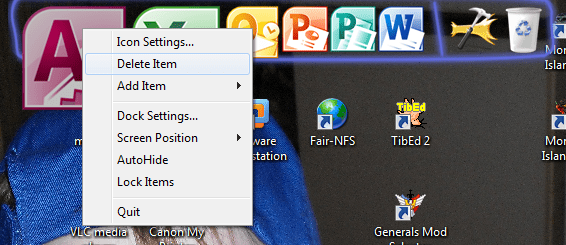
It's as easy as that. Now you have a very easy alternative to the MS Office Toolbar.
Last edited by a moderator:


