
HP Deskjet 1510 All In One printer/scanner, on HP p6710f running windows 7
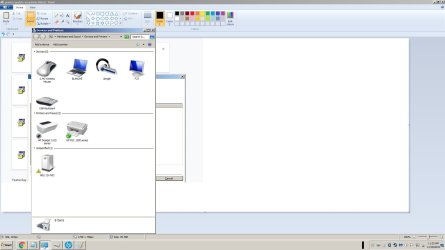
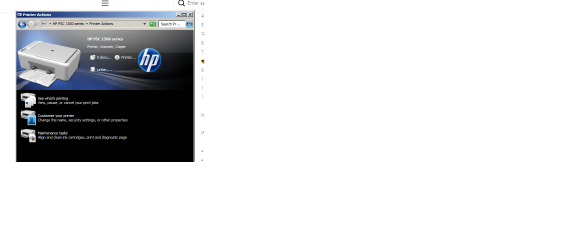
clicked on Devices and Printers, Printer Icon, HP Printer Assistant.
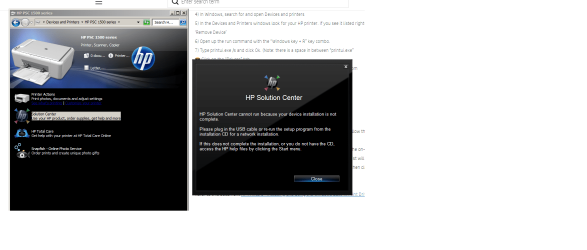
Error says Windows cannot find C:\Program Files\HP\HP Deskjet 1510 series\bin\HP Deskjet 1510 series.exe
Make sure you typed the name correctly than try again.
applied fix: share the printer with the homegroup
This did NOT solve the problem, still unable to launch Printer Assistant.
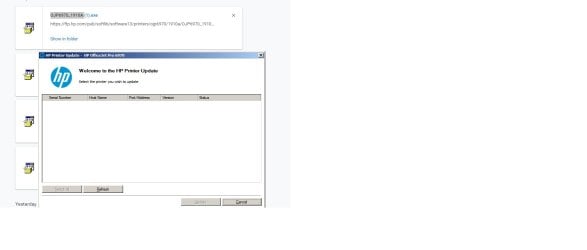
Tried to install drivers AGAIN, and got
"Install Failed" error.
Says\: The unsuccessful installation will be cleaned up and then you will be guided through searching for and applying a solution to this issue.
Clicked Next.
Chose Search HP online for solution. Clicked Next.
Yellow box says: A solution has been found.
1. If printer is connected with USB cable, disconnect from printer
2. Click Next, and a troubleshooter titled Troubleshoot HP Installation Failure - MSI will be placed on your computer desktop.
3. After all installation screens have closed, double click troubleshooter
4. Delete troubleshooter when finished.
Disconnected printer and box DISAPPEARED, making it impossible to click Next!
No troubleshooter shows up.
Installation Error
Error - 2147467259: Failed to find driver packages to process.
clicked on Devices and Printers, Printer Icon, HP Printer Assistant.
Error says Windows cannot find C:\Program Files\HP\HP Deskjet 1510 series\bin\HP Deskjet 1510 series.exe
Make sure you typed the name correctly than try again.
applied fix: share the printer with the homegroup
This did NOT solve the problem, still unable to launch Printer Assistant.
Tried to install drivers AGAIN, and got
"Install Failed" error.
Says\: The unsuccessful installation will be cleaned up and then you will be guided through searching for and applying a solution to this issue.
Clicked Next.
Chose Search HP online for solution. Clicked Next.
Yellow box says: A solution has been found.
1. If printer is connected with USB cable, disconnect from printer
2. Click Next, and a troubleshooter titled Troubleshoot HP Installation Failure - MSI will be placed on your computer desktop.
3. After all installation screens have closed, double click troubleshooter
4. Delete troubleshooter when finished.
Disconnected printer and box DISAPPEARED, making it impossible to click Next!
No troubleshooter shows up.
Installation Error
Error - 2147467259: Failed to find driver packages to process.
My Computer
At a glance
windows 7 home premium 64 bit
- Computer type
- PC/Desktop
- Computer Manufacturer/Model Number
- HP model p6710f
- OS
- windows 7 home premium 64 bit
- Antivirus
- malwarebytes
- Browser
- Chrome

 , or Devices and Printers


