So, this thing started happening 2 days ago, I thought it's random coincidence, but it continues to happen.
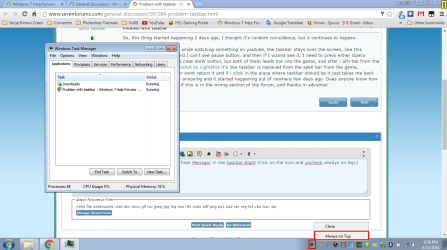
If I enter fullscreen mode while watching something on youtube, the taskbar stays over the screen, like this Screenshot by Lightshot and I can't see pause button, and then if I wanna see it, I need to press either Opera button in taskbar or in this case WoW button, but both of them leads me into the game, and after i alt+tab from the game, this happens Screenshot by Lightshot it's like taskbar is replaced from the spell bar from the game, hoovering with mouse over wont return it and if i click in the place where taskbar should be it just takes me back to the game. This is really annoying and it started happening out of nowhere few days ago. Does anyone know how to fix this? I am sorry if this is in the wrong section of the forum, and thanks in advance!
If I enter fullscreen mode while watching something on youtube, the taskbar stays over the screen, like this Screenshot by Lightshot and I can't see pause button, and then if I wanna see it, I need to press either Opera button in taskbar or in this case WoW button, but both of them leads me into the game, and after i alt+tab from the game, this happens Screenshot by Lightshot it's like taskbar is replaced from the spell bar from the game, hoovering with mouse over wont return it and if i click in the place where taskbar should be it just takes me back to the game. This is really annoying and it started happening out of nowhere few days ago. Does anyone know how to fix this?
I am sorry if this is in the wrong section of the forum, and thanks in advance!My Computer
At a glance
Windows 7 Ultimate x64AMD Athlon II x4 630 2.80Ghz2x2GB DDR3 Kingston 1333MhzATI Radeon HD5770 1GB DDR5
- Computer type
- PC/Desktop
- OS
- Windows 7 Ultimate x64
- CPU
- AMD Athlon II x4 630 2.80Ghz
- Motherboard
- MSI 770-G45
- Memory
- 2x2GB DDR3 Kingston 1333Mhz
- Graphics Card(s)
- ATI Radeon HD5770 1GB DDR5