Hello and welcome Try0x101 first please follow this Now before we can help we do need to know what is in your machine so please do this System Info - See Your System Specs or either enter the specs of your system in your forum profile the specs will appear when we click on that little box bottom left of the post screen it is for me the preferable option as it is easy. As you may appreciate it is very hard when you don’t know what one is working with for example a diesel or petrol engine. (pretyped to save time)
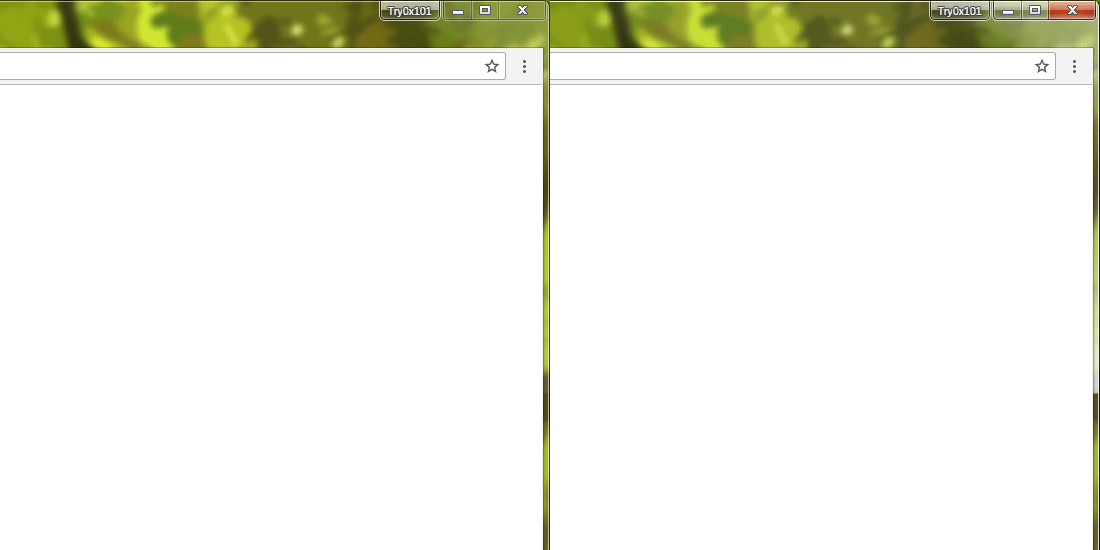
Now I am not real sure of what you want do you just want to change the colour in that frame or what??
Now this may be of help to and maybe not but if it is then just follow the tutorial and if yoy ant my advice if you are going to play in the registyr please use the registry backup tutorial (see listed tutorials) BEFORE you do that https://www.sevenforums.com/tutorials/1908-visual-effects-settings-change.html
One other Desktop (tester) and spare Toshba laptop both with SSD's
Running Kaspersky 2016 ISS on all machines config'd identically
Logitec audio stereo systems on each machine (x3)
Canon MG5250MFC
Router/modem TP-Link running WPA2SK
Hmm bit beyond me here my friend as I thought you just wanted to adjust the colours etc so post in that tutorial you will get a better idea from the authour.
My Computer
At a glance
Desk1 7 Home Prem / Desk2 10 Pro / Main lap A...Desk1 i5 3750K / Laptop i7 GTX 860M / Desk2 i...Desk1 8GB (1866) / Desk2 16GB (1333) / Laptop...Desk 1& 2NVidia GTX 650 & Laptops on board Intel
Computer type
PC/Desktop
Computer Manufacturer/Model Number
Own build (new) Desk1 / Asus ROG Win 7 / Desk2 1st build
OS
Desk1 7 Home Prem / Desk2 10 Pro / Main lap Asus ROG 10 Pro 2 laptop Toshiba 7 Pro Asus P2520 7 & 10
One other Desktop (tester) and spare Toshba laptop both with SSD's
Running Kaspersky 2016 ISS on all machines config'd identically
Logitec audio stereo systems on each machine (x3)
Canon MG5250MFC
Router/modem TP-Link running WPA2SK