
jmrpjb
New member
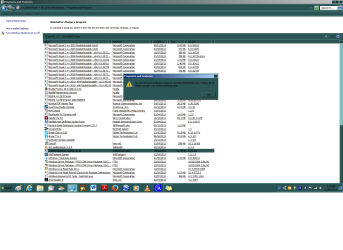
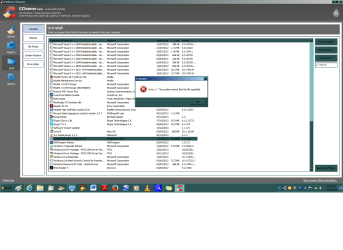
Does anyone know how I can remove 'Whitesmoke' from my computer. I've tried to do it via The Control Panel (please see attached) but I get the message that I don't have the authority and I should see my Administrator (My User Account is an Administrator). I've tried to remove it with CCleaner but I get the message that it can't be found (attached) .
.
Does anyone know of another way to get rid of this pesky varmint?
Cheers, and Happy New Year!
P.S. I have tried (and hopefully succeeded) to add my "system specs" to the information in my account so that information should be accessible.
. Does anyone know of another way to get rid of this pesky varmint?
Cheers, and Happy New Year!
P.S. I have tried (and hopefully succeeded) to add my "system specs" to the information in my account so that information should be accessible.
Attachments
My Computer
- Computer type
- PC/Desktop
- Computer Manufacturer/Model Number
- Dell product #00359-OEM-8992687-00095
- OS
- Microsoft Windows 7 Home Premium 64-bit 7601 Multiprocessor Free Service Pack 1
- CPU
- Intel(R) Pentium(R) CPU G620T @ 2.20GHz
- Motherboard
- Dell Inc. 0MTFWP
- Memory
- 4.00 GB
- Graphics Card(s)
- Intel(R) HD Graphics
- Sound Card
- (1) Realtek High Definition Audio (2) Bluetooth Audio Devi
- Screen Resolution
- 1600 x 900 x 32 bits (4294967296 colors) @ 60 Hz
- Hard Drives
- (1) ST500DM002-1BD142 ATA Device (2) Multiple Card Reader USB Device


