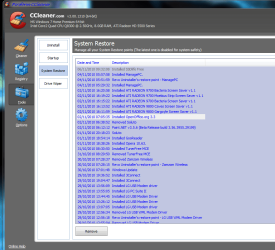
Ok. There is really no need to do this, but I'll tell you how to do most of it hence I'm getting mad at what it is doing to my PC.
The folder is stored as a
'Hidden Protected Operating System File'. To unhide it, click the
Windows start button and type
'Folder Options'. Open Folder Options, and select the
'View' tab. Make sure that the
'Show hidden Files, Folders, and Drives' bubble is selected. Then make sure that you uncheck
'Hidden Protected Operating System File' . The folder you now need to go to is in the root of your C:\ drive and is called:
'System Volume Information'.
You will now need to right click this folder and click properties. Next, click the
'Security' tab and add your User Account to the list of Users. This will let you view the contents of the
'System Volume Information' (
system restore directory) but has a lot of security parameters involved with it, I stopped at this point so maybe you can figure out the rest as I won't be interested in it, but since nobody as helped you yet I figured I'd chip in. Good luck , be secure