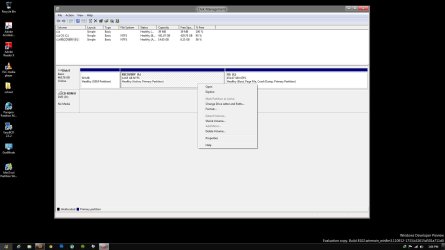
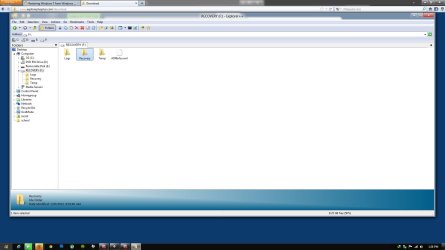
It depends how Dell have set it up.
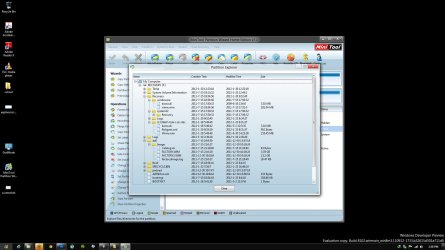
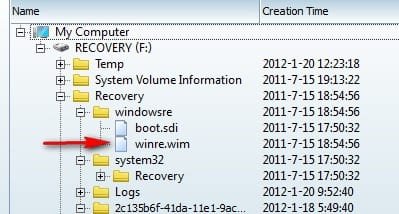
If you can find a file on the recovery partition called boot.wim or winre.wim , or restore.wim or similar ( it won't be very big - 165-200mb - [there will probably another .wim file called factory.wim or install.wim- much larger] )
It is the smaller one you want to add to your boot menu.
The easiest way to do that is with the free version of easybcd.
EasyBCD Download Registration Page — NeoSmart Technologies
View attachment 194146
Select ADD ENTRY
View attachment 194141
Select the WINPE Tab and click the little browse icon
View attachment 194142
Browse to the bootable.wim file , click Open
View attachment 194143
Then click ADD
View attachment 194144
Restart your pc and select the boot menu entry called NST WINPE IMAGE