Chimera123
New member
- Local time
- 6:45 PM
- Messages
- 3
Hi,
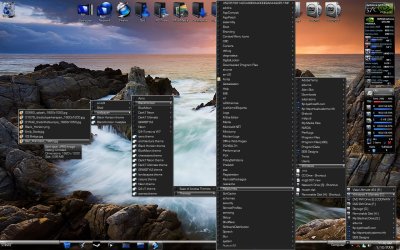
I have just installed windows 7 but want it to look as similar a the old windows XP, the only thing I can't manage to make is the sidebar (topbar indeed, located at the top of the desktop), so I can put there the shortcuts of some programs.
In XP it was easy, I just put some shortcuts inside a folder and then drag the folder to the top of the screen, that's all, and that's what i want, because I have a slow computer (don't wanna use the Aero sidebar or third party programs...).
Anyone know how can I make that? the drag thing is not working....Q_Q
Thanks
I have just installed windows 7 but want it to look as similar a the old windows XP, the only thing I can't manage to make is the sidebar (topbar indeed, located at the top of the desktop), so I can put there the shortcuts of some programs.
In XP it was easy, I just put some shortcuts inside a folder and then drag the folder to the top of the screen, that's all, and that's what i want, because I have a slow computer (don't wanna use the Aero sidebar or third party programs...).
Anyone know how can I make that? the drag thing is not working....Q_Q
Thanks
My Computer
- Computer Manufacturer/Model Number
- Custom
- OS
- Ubuntu
- CPU
- Intel Core2Duo E4500
- Motherboard
- ECS Elitegroup P35T-A
- Memory
- 2Gb Kingston
- Graphics Card(s)
- XFX 8800GTS
- Sound Card
- On-board
- Monitor(s) Displays
- Hyundai 17" LCD
- Hard Drives
- 320Gb
- PSU
- 550W
- Case
- Tacens Tango Pro
- Cooling
- Air