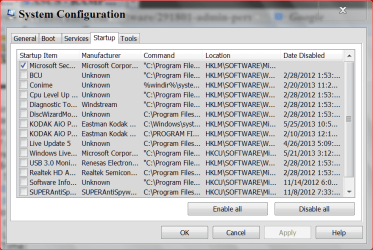
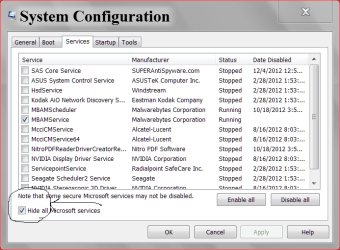
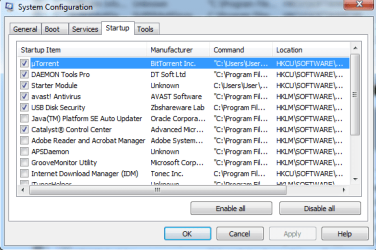
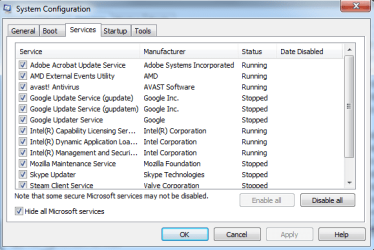
Here are my system specs
For some odd reason, if I start the browser from the desktop shortcut, it loads considerably faster to open the home page, the problem it seems is only with the taskbar shortcut. If I open the browser from the taskbar, it takes average 1 minute and a half, sometimes more and if I don't click it again to open a second browser window it takes even more, from the desktop shortcut it takes 15 to 20 seconds.
I've just been lucking in this thread hoping to see something that explains the statements above.
If you care to retest:
Set the browser to use a single home page of
about:blank
If needed - set the computer not to sleep/hibernate due to inactivity
Restart the computer
If needed - log on to your account
Touch nothing for 20 or so minutes - maybe go eat a meal
Start the browser using the taskbar shortcut
Take note of the time that it takes before you see the browser window.
Repeat the steps above using the desktop shortcut*
...but don't eat another meal unless it is time to do so

*This desktop shortcut should only start the browser, not take you to a website.
You should find the time between clicking on the shortcut and the time that the browser window appears to be the same no matter which shortcut you click on.
Anyway, once you follow all of the good advice that you have been given in this thread, you might consider putting a shortcut to the browser in your startup folder. That way, you can start the computer (maybe log on) and walk away. When you get back, the browser should be up and running. Or, you might want to look into putting the computer to sleep between uses.