- Local time
- 12:22 AM
- Messages
- 98
Ok, now this may sound pretty stupid, but old habits die hard...
I always have lots of icons on my desktop. Not files (I know exactly where to find my data) but programs. Some of them I use practically every day, so I find it handy when they are on my desktop. Some others I use very rarely and if I hadn't the icon sitting there I wouldn't remember that I have them, what they are called and where to find them
The result is a very full desktop. I find everything I need at a glance but it is ugly. Now I've started to put some programs into the quickstart list but I don't want to put too many there, there isn't room enough for all of them anyway.
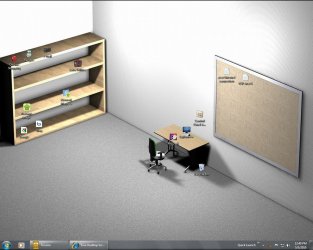
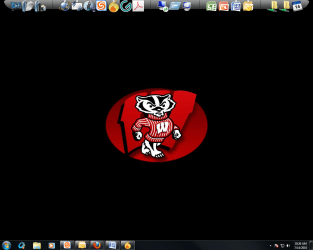
In your screenshots I've seen beautifully clean desktops - which makes me wonder how you start your programs - going through the list of installed programs all the time?
It would be cool if there was a way to keep them somehow organized in groups. Is there perhaps a tool for that?
I always have lots of icons on my desktop. Not files (I know exactly where to find my data) but programs. Some of them I use practically every day, so I find it handy when they are on my desktop. Some others I use very rarely and if I hadn't the icon sitting there I wouldn't remember that I have them, what they are called and where to find them
The result is a very full desktop. I find everything I need at a glance but it is ugly. Now I've started to put some programs into the quickstart list but I don't want to put too many there, there isn't room enough for all of them anyway.
In your screenshots I've seen beautifully clean desktops - which makes me wonder how you start your programs - going through the list of installed programs all the time?
It would be cool if there was a way to keep them somehow organized in groups. Is there perhaps a tool for that?
My Computer
- OS
- Win 7 Professional 64bit
- CPU
- Intel i7-3930K @ 3.2GHz
- Memory
- 16 GB
- Graphics Card(s)
- NVIDIA GeForce GTX 650
- Monitor(s) Displays
- 1 CRT, 1 LCD
- Hard Drives
- 3 hard drives