One day the mouse trackpad stopped working. Within the device manager, it doesn't appear to be installed, as only the USB mouse appears plugged in. I have tried re-installing drivers for the trackpad a number of times but to no avail.
Any ideas? Is it a driver issue or faulty hardware i.e. need replacement trackpad? Any ideas?
Hello and welcome little android for starters is the machine still under warranty?
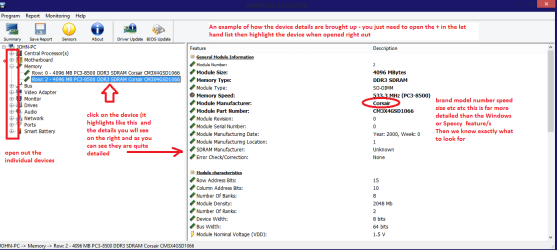
Plus if you run this HWiNFO, HWiNFO32/64 - Download - close the right hand window and in the left hand window you will see all of the hardware listed and if the pad is not there then something is very wrong.
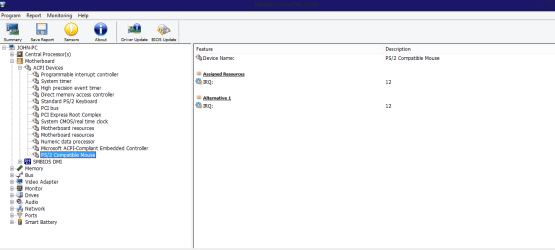
If it is and if you click on it and open it out you can see the absolute details of the brand speeds etc etc to the Nth degree see my pic. In that you will see I have opened up my RAM for an example you will probably have to click on and open up, and in the other pic you need to see if it has the pad under ACPI devices.
Attachments
HW DEVICES INFO.PNG
34.2 KB
· Views: 0
HW INFO MOUSE PAD.PNG
21 KB
· Views: 0
My Computer
Computer type
PC/Desktop
Computer Manufacturer/Model Number
Own build (new) Desk1 / Asus ROG Win 7 / Desk2 1st build
OS
Desk1 7 Home Prem / Desk2 10 Pro / Main lap Asus ROG 10 Pro 2 laptop Toshiba 7 Pro Asus P2520 7 & 10
One other Desktop (tester) and spare Toshba laptop both with SSD's
Running Kaspersky 2016 ISS on all machines config'd identically
Logitec audio stereo systems on each machine (x3)
Canon MG5250MFC
Router/modem TP-Link running WPA2SK