
How to See Your System Specs with "System Info"
Information
System Info is free Seven Forums program that CyberZeus has kindly made for us. It let's you easily see all of your system information, and has an option to make filling out your system specs here at Seven Forums easier to do.
Here's How:
1. Click on either Download button below to download and save the SystemInfo.exe file to your desktop.
(EXE file)
Download
(ZIP file)
Download
2. Run the SystemInfo.exe file.
NOTE: This is a standalone .exe file that only runs and does not install anything on your computer. If you would like to stop getting the Run prompt, then unblocking the SystemInfo.exe file will stop it.
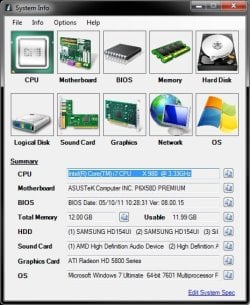
3. After System Info loads, you will see a summary of your system's information.
NOTE: There's a Edit System Specs link at the bottom right that will take you to your system specs here at Seven Forums.
4. Do either step 5 or 6 below for how you would like to fill out your system specs at Seven Forums.
5. To Automatically Fill Out your System Specs at Seven Forums
NOTE: This step can only be done using Internet Explorer.
A) In System Info, click on Options (menu bar), Settings, select (dot) Automatic Mode, and click on OK. (see screenshots below)
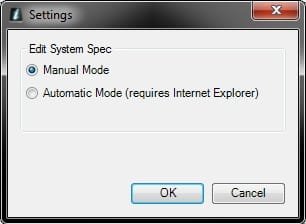
B) Click on the Edit System Spec link at the bottom right corner of System Info. (see left screenshot above)
C) If you are not already, log in to Seven Forums in the new IE Seven Forums' Site window that just opened. (see screenshot below)
D) Click on the Set info button at the top left corner to automatically enter the information from System Info into your system specs at Seven Forums, then click on the Save Changes button at the bottom to save them. (see screenshot below)

6. To Manually Fill Out your System Specs at Seven Forums
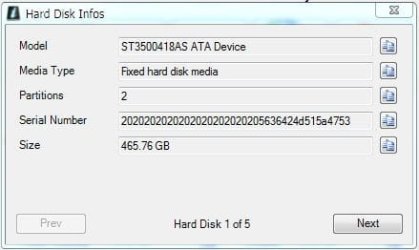
A) Clicking on each device icon will give you a pop-up with more detailed information about that device.
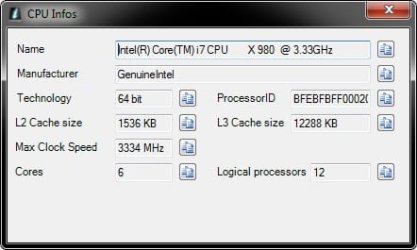
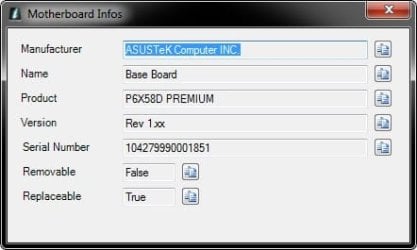

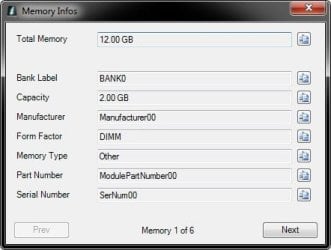
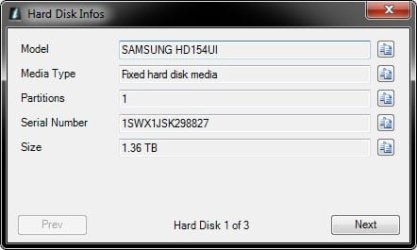

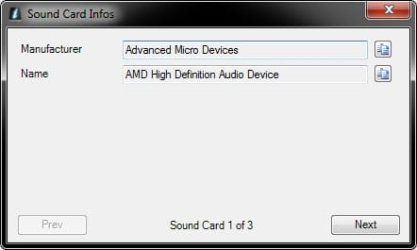
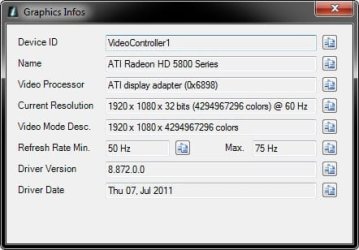
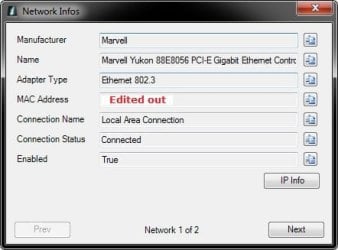
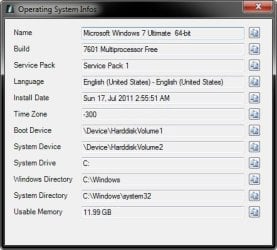
B) In System Info, click on Options (menu bar), Settings, select (dot) Manual Mode, and click on OK. (see screenshots below)
C) Click on the Edit System Spec link at the bottom right corner of System Info. (see left screenshot above)
D) You can now use the information in System Info to fill out your system specs at Seven Forums by clicking on the
 button to the right of a system spec in System Info to copy it to the clipboard, then right click in a system specs field at Seven Forums like below and click on Paste. When finished filling out your system specs, be sure to click on the Save Changes button at the bottom to save them.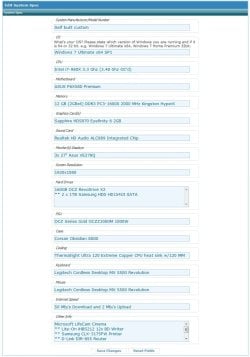
Related Tutorials
- How to Upload and Post a Screenshot and File in Seven Forums
- How to Post a Question in a New Thread at Seven Forums
- How to See System Information in Vista and Windows 7
- Post Template: Create at Seven Forums
- How to Create a Signature at Seven Forums with or without an Image
- How to Use Speccy to View Your System Information in Windows
Attachments
Last edited:


 :busted: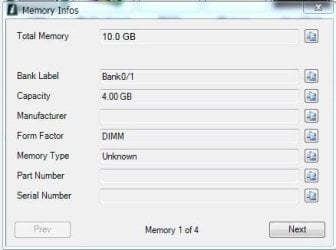

 . Thank you very much
 .
.
