Troubleshoot Icon on Laptop in Devices & Printers after new W7 install
Hi,
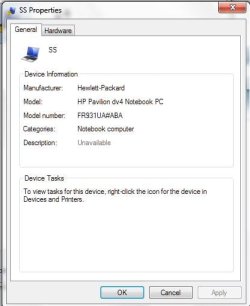
I recently did a fresh install of Windows 7 Ultimate 32bit on my HP Pavilion dv4-1114nr Notebook. Previous OS was Windows Vista.
The Install went well but i am having a problem:
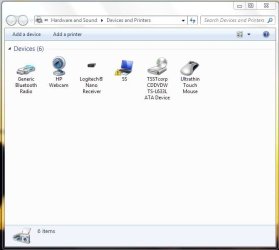
My Laptop is showing in the Devices and Printers folder with a yellow troubleshoot triangle with exclamation mark (see first picture titled capture)
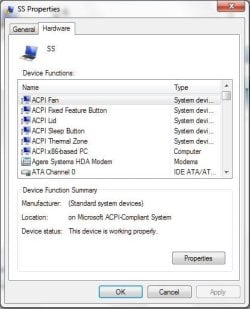
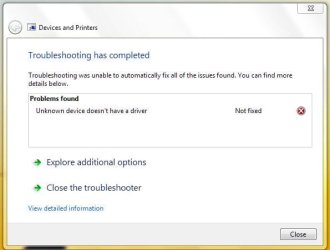
When i tried to resolve through the normal steps i keep getting and error (see picture titled capture 2)
Can someone tell me how i can resolve this issue ?
Thanks
Chobbs
Hi,
I recently did a fresh install of Windows 7 Ultimate 32bit on my HP Pavilion dv4-1114nr Notebook. Previous OS was Windows Vista.
The Install went well but i am having a problem:
My Laptop is showing in the Devices and Printers folder with a yellow troubleshoot triangle with exclamation mark (see first picture titled capture)
When i tried to resolve through the normal steps i keep getting and error (see picture titled capture 2)
Can someone tell me how i can resolve this issue ?
Thanks
Chobbs
Attachments
Last edited:
My Computer
At a glance
Windows 7 Ultimate 32bit
- Computer type
- Laptop
- Computer Manufacturer/Model Number
- HP
- OS
- Windows 7 Ultimate 32bit