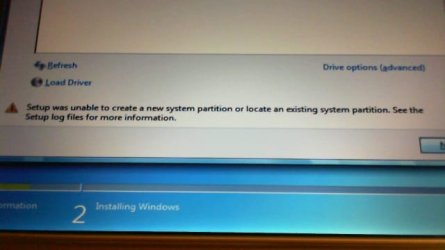
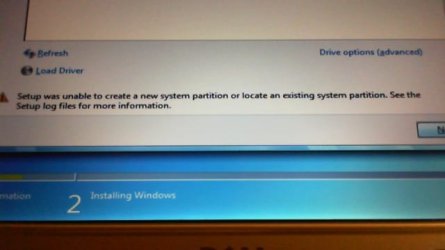
Put the USB in and let it load until you get to this screen:
Once at this screen, press: (SHIFT+F10) to get a CMD window
This image has been resized. Click this bar to view the full image. The original image is sized 738x386.
MAKE SURE YOU SELECT THE DRIVE YOUR INSTALLING WINDOWS TO NOT ANOTHER. In the CMD window, type in Each Command and Press <ENTER> Key as follows:
DiskPart <ENTER>
list disk <ENTER>
select disk 0 <ENTER>
clean <ENTER>
create partition primary align=1024 <ENTER>
format fs=ntfs <ENTER> (Will Take a While)
assign <ENTER>
active <ENTER>
exit <ENTER>
exit <ENTER>
After it completes, exit the INSTALL COMPLETELY and reboot.
Once you are back in, go about installing Windows just DO NOT ALLOW Windows to create a new partition, use the only one there.