

Sympatico
New member
Never bothered with this before but was following a thread on here and I thought I'd see if I could help out.
So I r-clicked my shortcut, clicked "shortcut key" where it says none
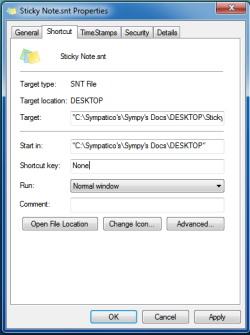
and clicked, and clicked and so on.
Won't let me enter any info .
.
???????
So I r-clicked my shortcut, clicked "shortcut key" where it says none
and clicked, and clicked and so on.
Won't let me enter any info
.???????
My Computer
At a glance
Windows 7 Ultimatum
- OS
- Windows 7 Ultimatum

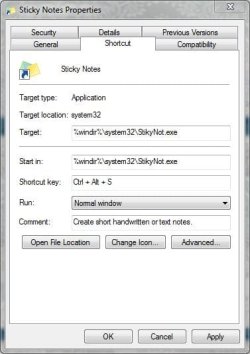


 I do not use Vista... ohhh no ! :sarc: