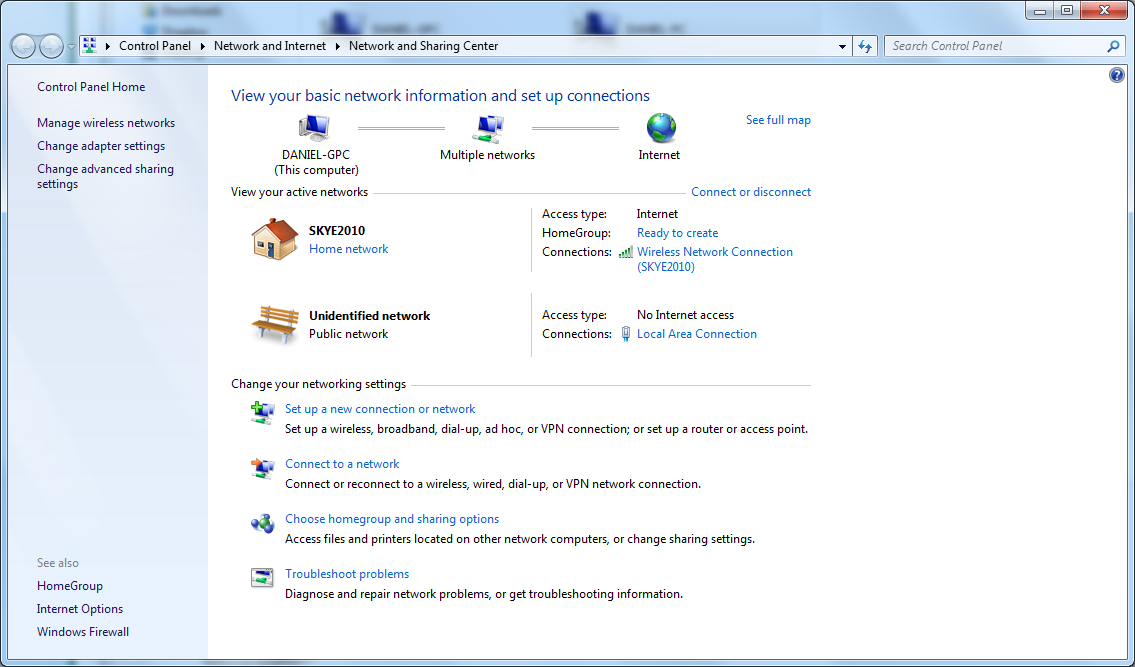
Ok that part done with. The tunnel adaptors were a result of the ICS making connections attempts which creates a big mess. Usually with that many tunnel adaptors you can't even get online.
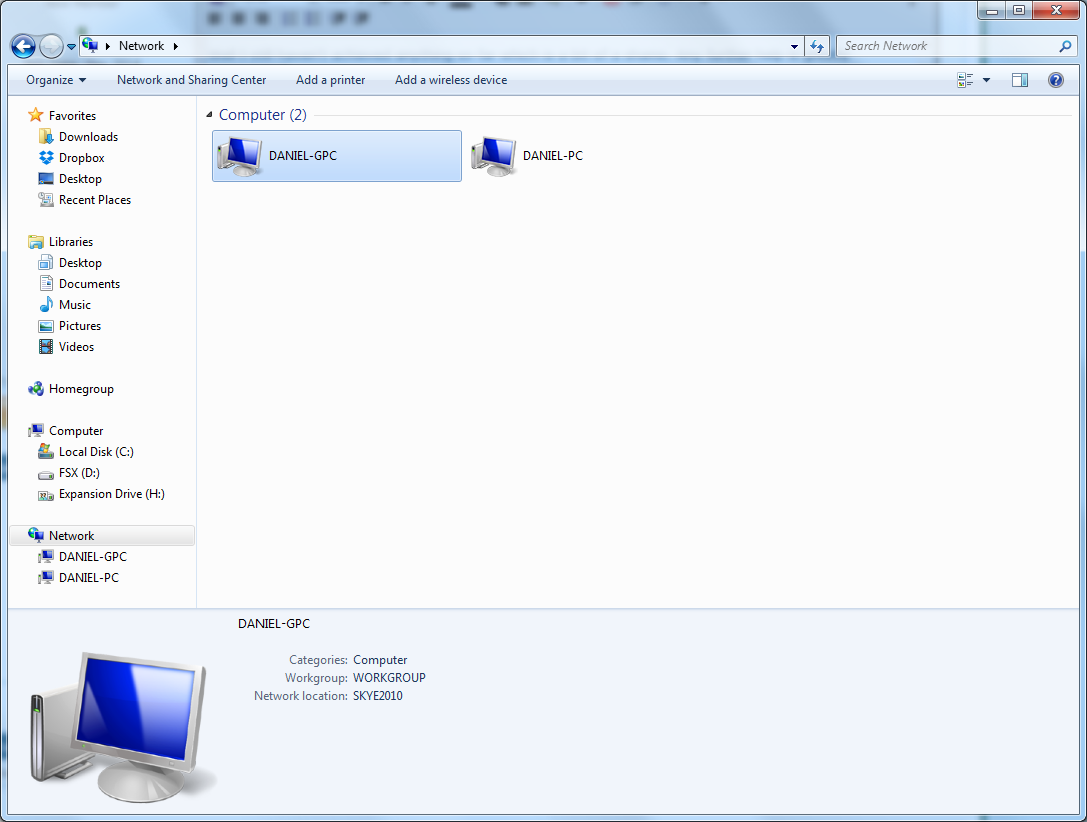
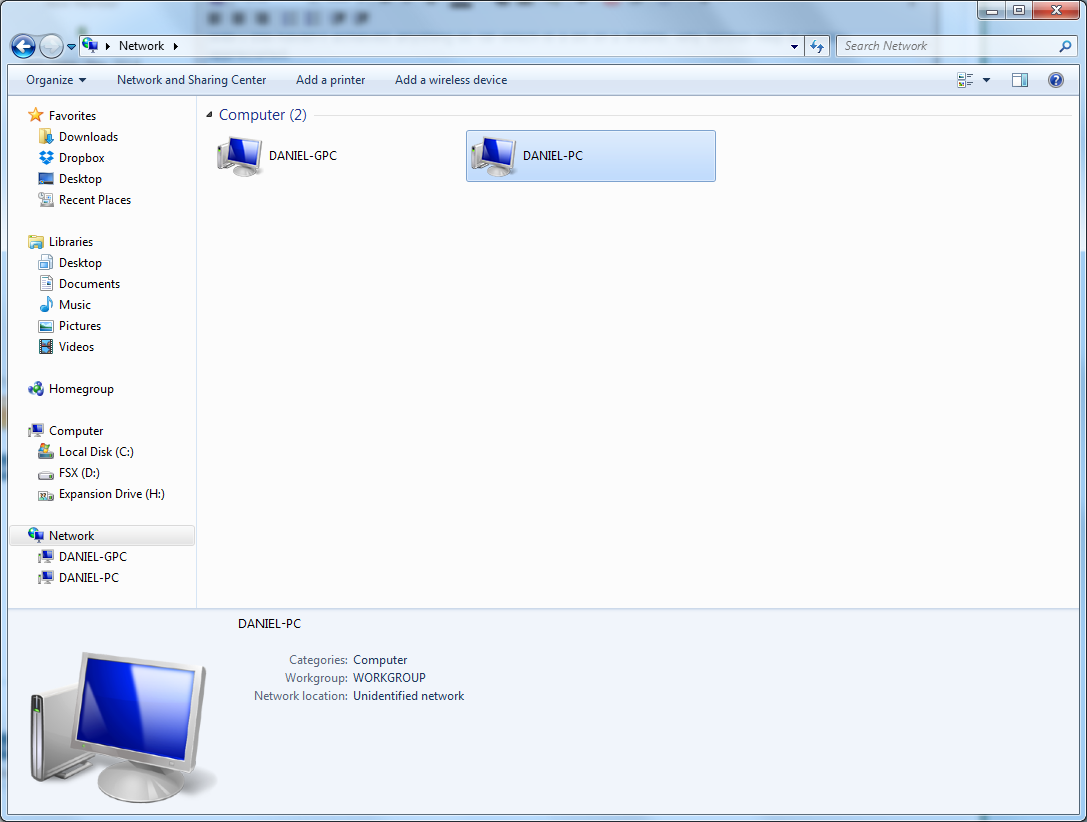
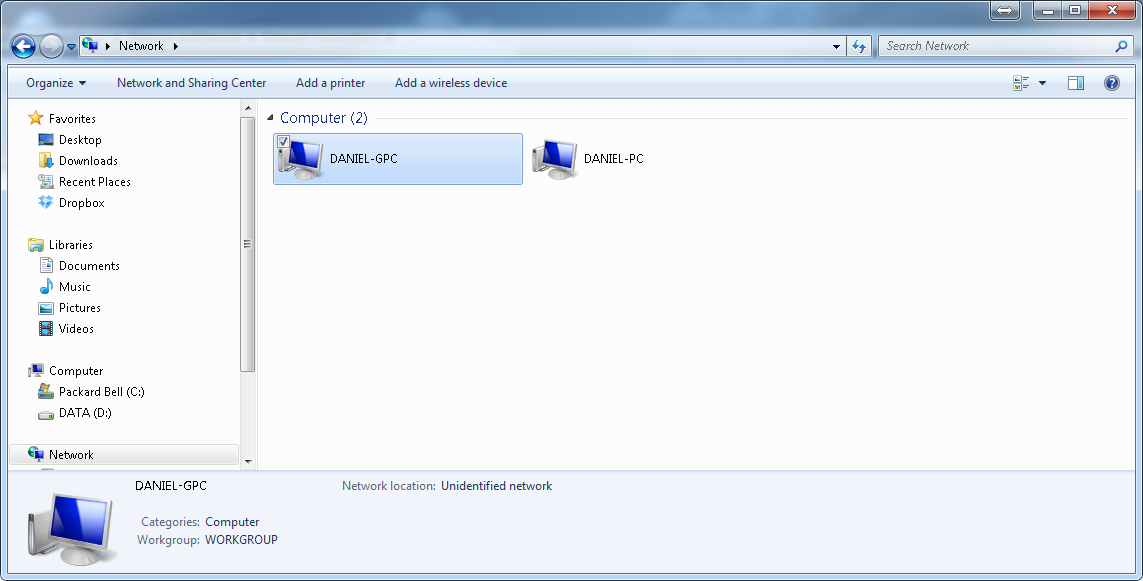
I really don't mess with ICS "for obvious reasons" so I'm not completely sure if you can use the same subnet as your router is using but that's the only way sharing will work properly. I'm still confused as to why those workgroup machines in a different subnet were able to even show up under Network.
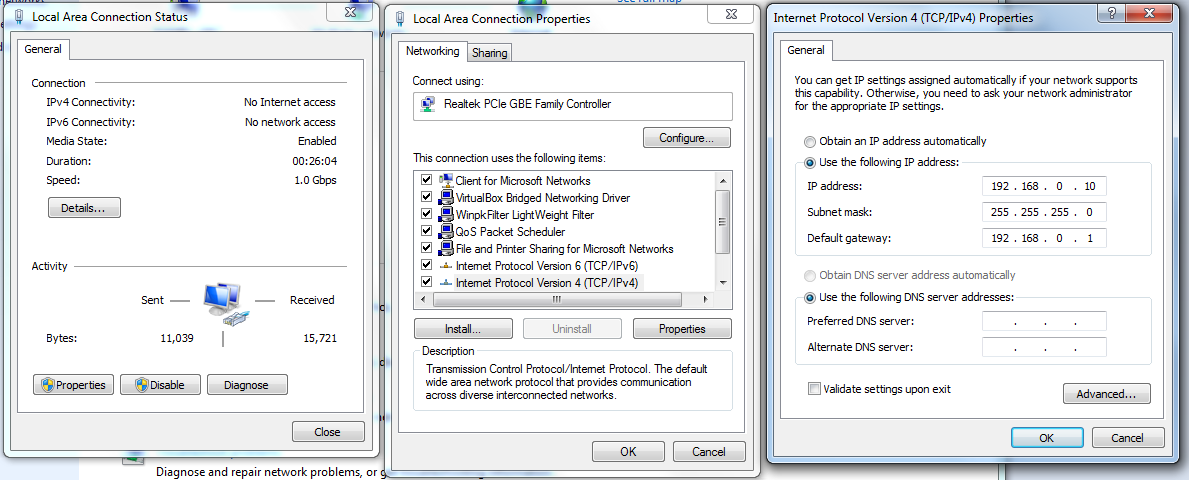
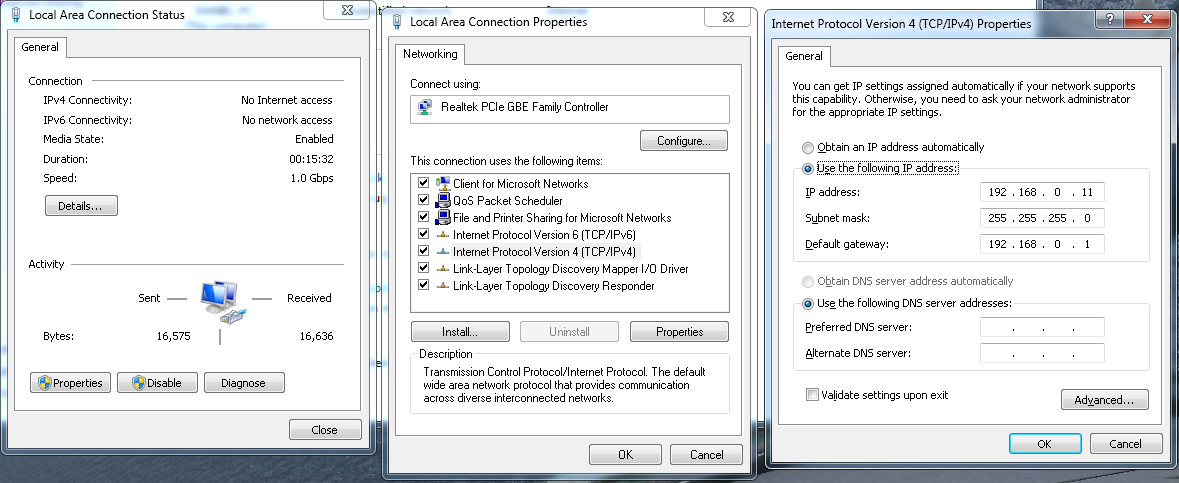
So now just go back into the IPv4 properties of PC-1, like when you set up the ICS, only this time use the same gateway as your router is using which is 192.168.0.1., Next you have to type in an IP in that same subnet, ideally you would use an IP that is outside the range of DHCP on your router but the ranges are different for each router so I'll just use one what you aren't using. So for now just use the IP> 192.168.0.10.
The ICS machine borrowing the connection needs it's static IP's changed as well because it's all messed up.
Both of these machines require the same gateway as the other machines in order to be in the same subnet, that gateway IP is 192.168.0.1, then give the second machine it's own IP of 192.168.0.11, notice I'm using .10 and .11,
I'm not completely sure how ICS will work in this case because it's really meant to create it's own little subnet so other machines can connect to that subnet. It's not meant to be used in the middle of a network with a common gateway.
I just noticed that you actually used the wrong gateway on PC-1, you used the same IP for the gateway as you did for PC-2. You really can't just guess at this man, it has to be right. You used the gateway of 192.168.2.1 as the IP on the second machine. Talk about confusing.
Now you start to see why I have this opinion of ICS...it creates nothing but problems.
I really don't mess with ICS "for obvious reasons" so I'm not completely sure if you can use the same subnet as your router is using but that's the only way sharing will work properly. I'm still confused as to why those workgroup machines in a different subnet were able to even show up under Network.
So now just go back into the IPv4 properties of PC-1, like when you set up the ICS, only this time use the same gateway as your router is using which is 192.168.0.1., Next you have to type in an IP in that same subnet, ideally you would use an IP that is outside the range of DHCP on your router but the ranges are different for each router so I'll just use one what you aren't using. So for now just use the IP> 192.168.0.10.
The ICS machine borrowing the connection needs it's static IP's changed as well because it's all messed up.
Both of these machines require the same gateway as the other machines in order to be in the same subnet, that gateway IP is 192.168.0.1, then give the second machine it's own IP of 192.168.0.11, notice I'm using .10 and .11,
I'm not completely sure how ICS will work in this case because it's really meant to create it's own little subnet so other machines can connect to that subnet. It's not meant to be used in the middle of a network with a common gateway.
I just noticed that you actually used the wrong gateway on PC-1, you used the same IP for the gateway as you did for PC-2. You really can't just guess at this man, it has to be right. You used the gateway of 192.168.2.1 as the IP on the second machine. Talk about confusing.
Now you start to see why I have this opinion of ICS...it creates nothing but problems.
My Computer
At a glance
Windows 7 Ult, Windows 8.1 Pro,Q9650-4.275GHz, E8600 4.5GHz, E6750-3.8GHzG.Skill PC2 9600 1200Mhz 5 5 5 15 2TGTX480
- Computer type
- PC/Desktop
- Computer Manufacturer/Model Number
- Home built
- OS
- Windows 7 Ult, Windows 8.1 Pro,
- CPU
- Q9650-4.275GHz, E8600 4.5GHz, E6750-3.8GHz
- Motherboard
- Evga 780i FTW
- Memory
- G.Skill PC2 9600 1200Mhz 5 5 5 15 2T
- Graphics Card(s)
- GTX480
- Sound Card
- Asus Xonar D2
- Monitor(s) Displays
- HannsG
- Screen Resolution
- 1680X1050
- Hard Drives
- GSkill Phoenix Pro 120GB SSD
- PSU
- ThermalTake Toughpower 1000Watt modular
- Case
- ThermalTake XaserV
- Cooling
- Xigmatek S1283
- Keyboard
- Logitech G15
- Mouse
- Logitech G9
- Internet Speed
- T1