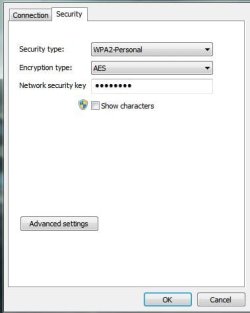
Are you able to log onto your router and see if you can reset the password for the wireles network, and change the security to WPA.
Just incase it might save you time,check the bottom of your router,the original password is usally there.
@AEM: From looking at his ipconfig,when he tries to access his router via the 192.168.1.1, would he not be accessing his neighbours router?
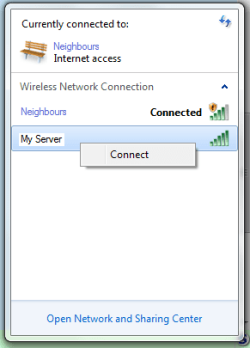
If thats the case,can you connect your pc to your router via an ethernet cable and disconnect from your neighbours network.
Then when you are connected to your router,in the network and sharing centre,look under active networks,it might say "Public Network" in blue,click it and change it to home.
Then go to 192.168.1.1 in your browser and enter your password,or if you dont have it try "admin".
Then go to security>Lan>change the password and set it to WPA.
Try turning your router firewall off aswell.