
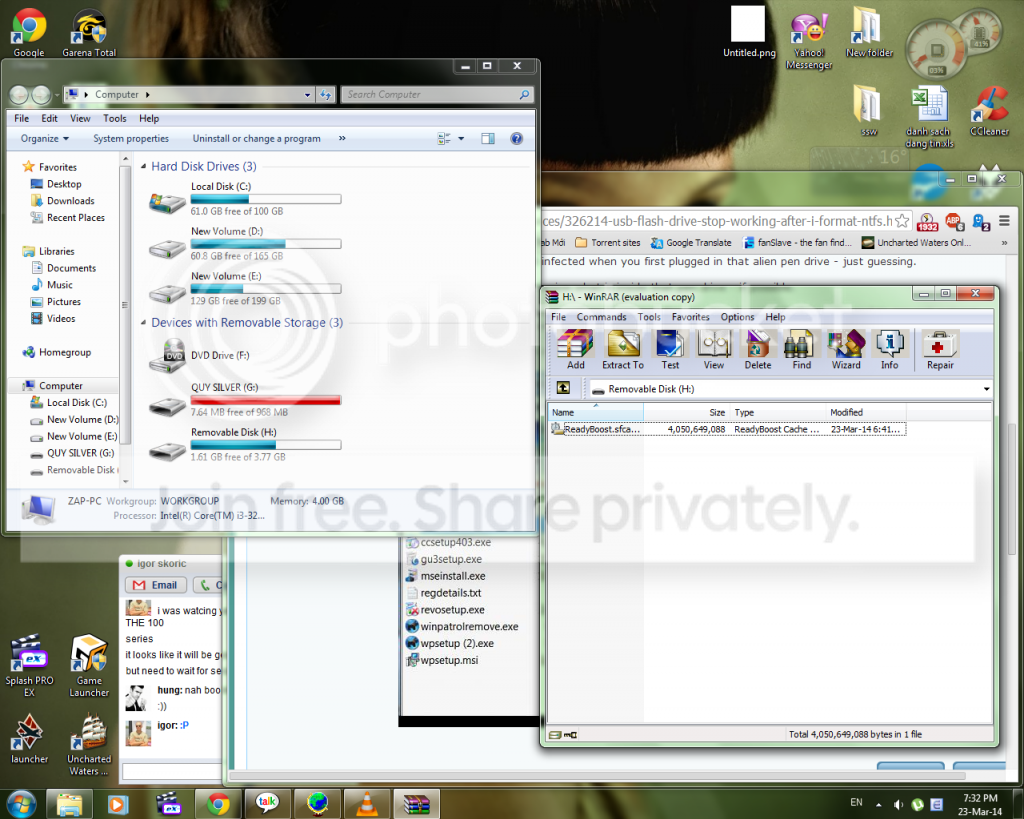
My friend just gave me a 4gb kingston USB flash drive cause he dont use it anymore , so i thought i could use a little extra for readyboost. But when i first touch it , my antivirus software says it has 3 viruses inside , so i format it , and it was formatted as FAT32 , but i ... im not sure what was in my head at that time , but anyhow i choosed to format it as NTFS , then it suddenly just ... stop , i tried anything , it always show me that "the disk is write protected" , so i changed the registry , try format it anyhow , i couldnt do anything to it. Untill i came up with "attack the enemy when they least expect it" , so i unplug it , plug it in , format it to fat32 right when it shows up on the my computer screen , and it worked! then i set it as "dedicate this device for readyboost" and turn off the PC , now i turned the PC on and its write protected again ... idk what to do , or what to explain , is it because this thing is too old to be formatted as NTFS or its because the virus still exist and its eating my PC slowly i dont even know , or its just the flash drive is already broken ? somebody help please ...
My Computer
At a glance
Windows 7 Home Premium x64I3-3220 3,3GhzDynet 4gb @1333MhzGigabyte GTX 750Ti Windforce OC'd 13%
- Computer type
- PC/Desktop
- Computer Manufacturer/Model Number
- custom build
- OS
- Windows 7 Home Premium x64
- CPU
- I3-3220 3,3Ghz
- Motherboard
- Asus B75M-Plus
- Memory
- Dynet 4gb @1333Mhz
- Graphics Card(s)
- Gigabyte GTX 750Ti Windforce OC'd 13%
- Sound Card
- Realtek
- Screen Resolution
- 1280x1024
- Hard Drives
- WD blue 500gb
- Keyboard
- E-Blue Cobra Reinforcement
- Mouse
- E-Blue Gaming Mouse
- Internet Speed
- 580kb/s | 67kb/s
- Antivirus
- Bitdefender Internet Security
- Browser
- Google Chrome / Firefox



 )
)

