HI I dont know what happened , but when I load up Win7 after the please wait screen there is a black screen with my pointer.I can move the pointer fine but I have to wait till the black screen goes so I can get to the desktop.I normally have to wait an additional 5 mins (on top of the normal W7 load) for the black screen to disappear and for me to go to the desktop.
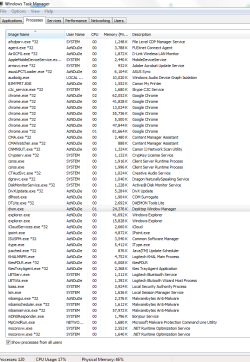
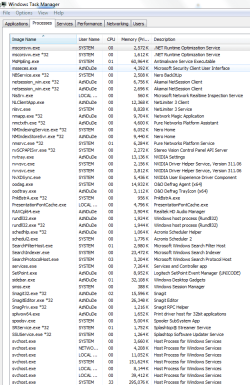
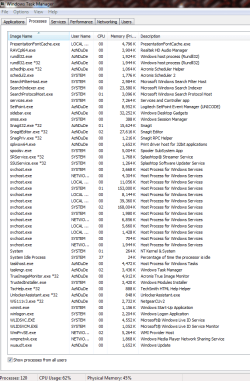
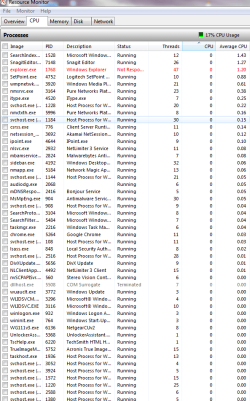
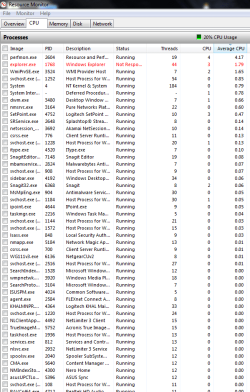
Once there everything is slow and i can hear the hdd keep making that searching noise.(Is there a way to view my hdd activity % on Win7 ?) When I go into Task Manager CPU Usage is only at 17% Going to Resource Monitor the Disk shows up as 10MB/s There are also 2 or more of the same app instances running in resource monitor guessing this is normal ? I already installed Malware Bytes and had been infected on that pc in the past.Im normally able to fix the problem by running a scan Currently doing a scan doesnt show any problems.I ran HiJack this and attached the logs to this post(I also had problems attaching the log using the problem pc , explorer kept loading and crashed) Are there any diagnostic apps I should run and report the results here ?
When booting to safe mode using Msconfig , the black screen and high hdd usage problem isnt present. So its either a service or app and not a problem with my hdd hardware.Also my specs are Dual Core @ 2.5GHz 6GB ram. Ran Win7 smoothly before so its not a problem with slow hardware.I ran System restore and restored to last weeks restore point but the problem is still there.(Problem just occurred yesterday) Dont want to go back to when i first installed w7 as ill lose all my installed apps
I dunno whats wrong ? Please help >.<
Thanks In advance
Once there everything is slow and i can hear the hdd keep making that searching noise.(Is there a way to view my hdd activity % on Win7 ?) When I go into Task Manager CPU Usage is only at 17% Going to Resource Monitor the Disk shows up as 10MB/s There are also 2 or more of the same app instances running in resource monitor guessing this is normal ? I already installed Malware Bytes and had been infected on that pc in the past.Im normally able to fix the problem by running a scan Currently doing a scan doesnt show any problems.I ran HiJack this and attached the logs to this post(I also had problems attaching the log using the problem pc , explorer kept loading and crashed) Are there any diagnostic apps I should run and report the results here ?
When booting to safe mode using Msconfig , the black screen and high hdd usage problem isnt present. So its either a service or app and not a problem with my hdd hardware.Also my specs are Dual Core @ 2.5GHz 6GB ram. Ran Win7 smoothly before so its not a problem with slow hardware.I ran System restore and restored to last weeks restore point but the problem is still there.(Problem just occurred yesterday) Dont want to go back to when i first installed w7 as ill lose all my installed apps
I dunno whats wrong ? Please help >.<
Thanks In advance
Attachments
Last edited:
My Computer
At a glance
Win 7 ,XP
- OS
- Win 7 ,XP