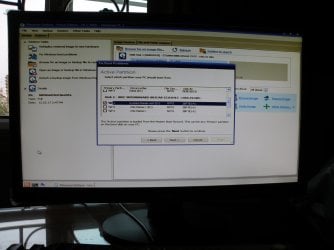
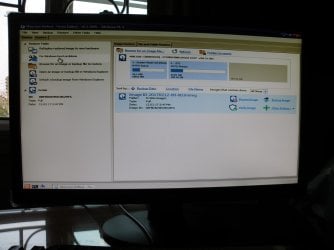
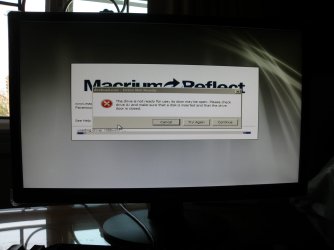
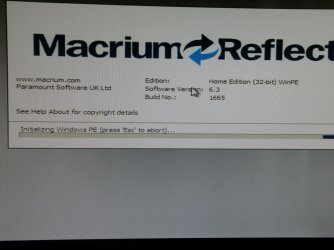
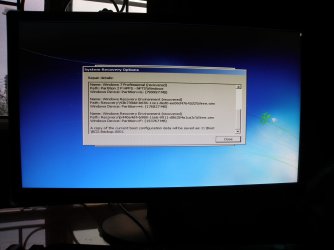
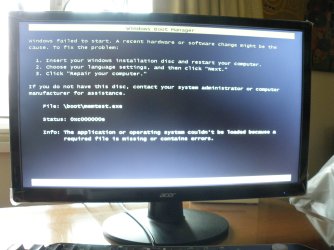
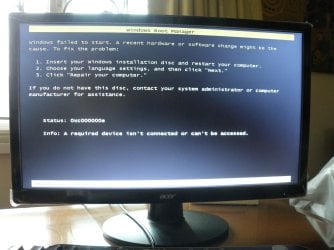
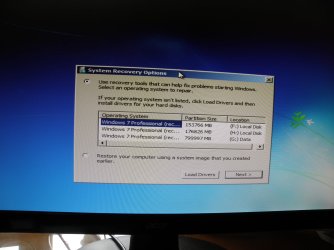
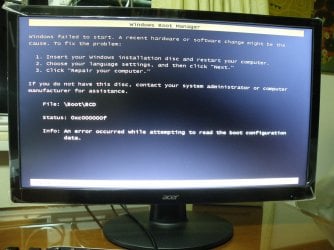
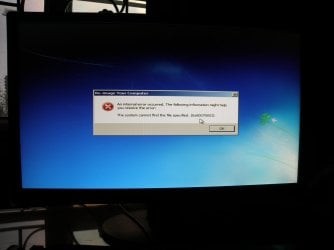
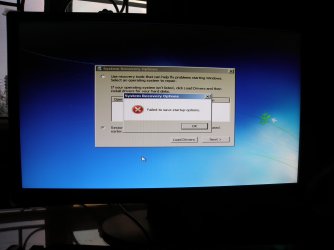
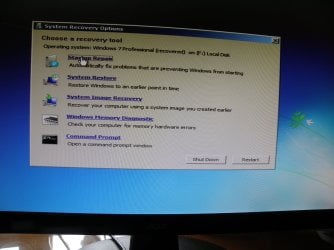
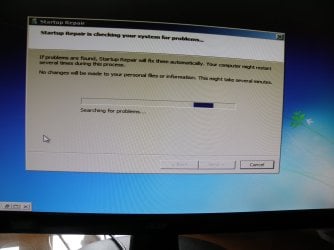
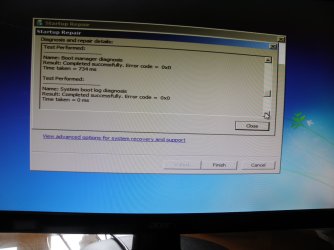
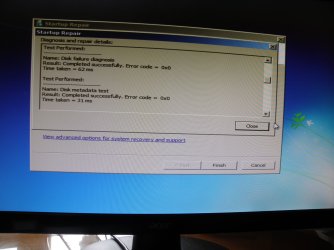
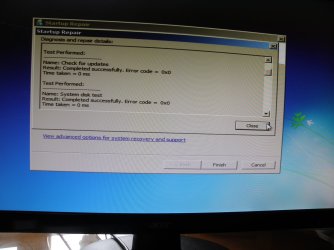
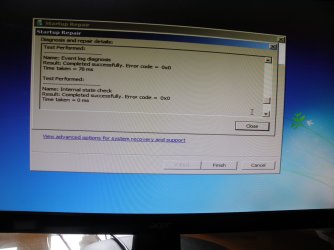
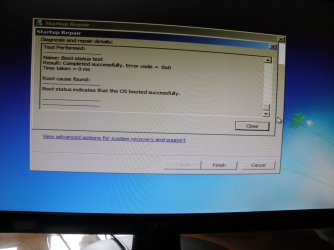
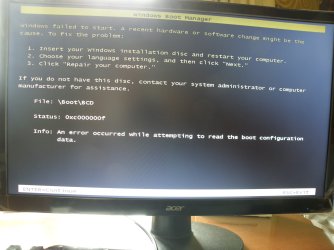
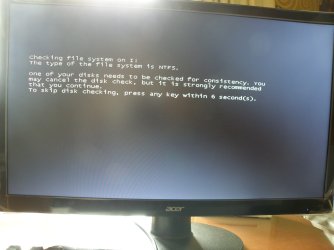
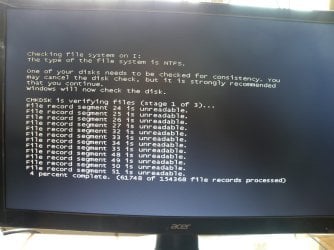
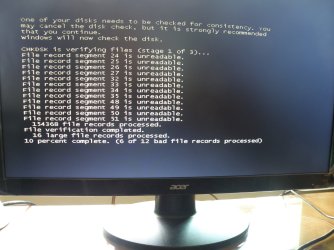
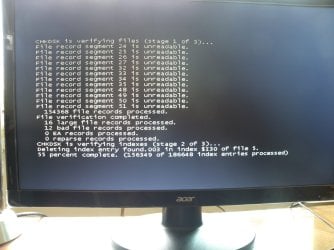
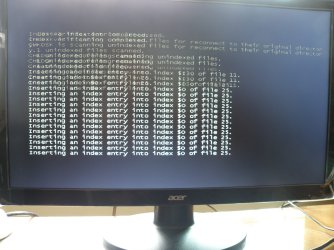
When I start the PC, in the configuration Seagate HD and WD 500 GB HD, the check disk is running every time. The process does not give me understandable information, as I am a laymen; however, what happens as displayed in the last of the 4 images makes me wonder: “Inserting an index entry into index $O of file 25.” This process of inserting lasts about 60 seconds. This is a lot of inserting. Could this have anything to do with the Drive I problem?
Images
Checking file system in I-drive 01.jpg
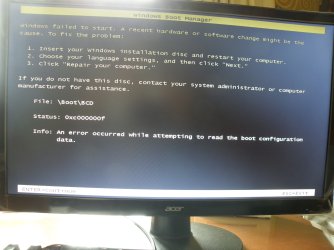
Checking file system in I-drive 02.jpg
Checking file system in I-drive 03.jpg
Checking file system in I-drive 04.jpg
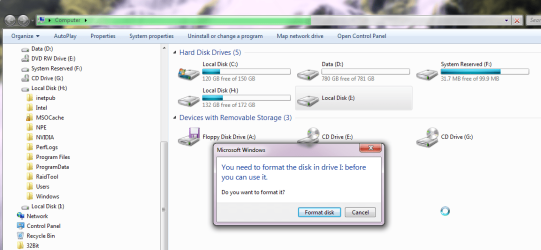
When I try accessing Drive I through Explorer, I get two messages: the first is “I: is not accessible. Data error (cyclic redundancy check)”; the second message is “You need to format the disk in drive I: before you can use it.” Formatting is not an option. What does the first message mean? Can we do anything about it?
Images:
Drive I not accessible.jpg
Drive I requires formatting before use.jpg
Drive I: is still in RAW.
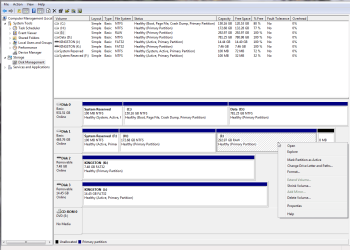
Previously in Disk Management right clicking on Drive J: only offered one option: New Simple Volume. Now more options are offered.
Image:
Disk Management 2017 01 28 – 02.jpg
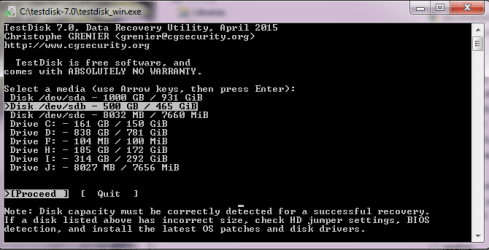
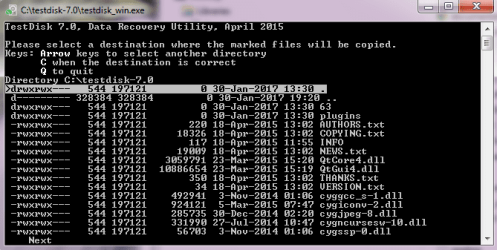
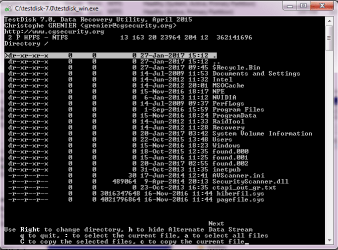
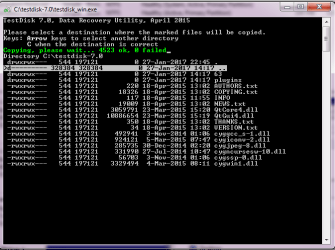
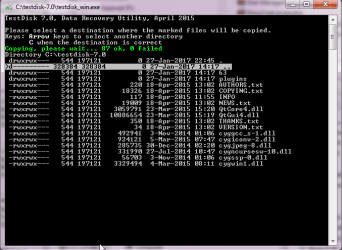
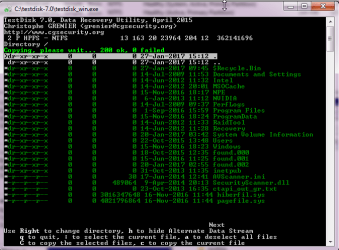
I did several TDs; initially, I could copy whatever I thought was valuable; however, choosing the “paste” location had given me a big headache. Copying the entire 2 P HFPS – NFTS Directory took about 3.5 hours; as I could not find any desired saving location, 3.5 hours of looking at the process were a waste.
Images:
TD - destinations for copying marked files process 01.png
TD - destinations for copying marked files process 02.png
TD - destinations for copying marked files process 03 copying finished.png
TD - destinations for copying marked files process 04 copying finished.png.
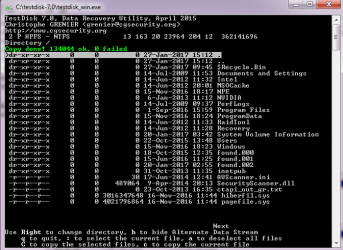
After I finally managed to find Drive D: as saving location, nothing was copied into Drive D:
Image:
TD - destinations for copying marked files process 05.png
After that I turned towards copying the Outlook 1.pst, and the Outlook 1.log. This process magically was successful with the first attempt.
On the next day, I have again tried hard to copy the Partition 2 P HFPS – NFTS; after several failed attempts and about 7 hours later, I finally managed to copy to the desired destination. After checking the result, I saw that about 44 GB were copied; however from “Documents and Setting” only an empty folder was copied.
I am still trying to copy the contents of the “Documents and Setting”.
While copying, on another PC I have looked at where Outlook is storing the information about the password; it is here:
Registry under HKEY_CURRENT_USER\Software\Microsoft\Windows NT\CurrentVersion\Windows Messaging Subsystem\Profiles\[Profile Name]\9375CFF0413111d3B88A00104B2A6676\[Account Index].
From what I have read about encrypting the logon information, decrypting from the registry is only possible when Windows is running again from the WD 500 GB HD. For this process I have found several programs. One I have tested on my other PC and in no time the password was retrieved. But this program works only in cooperation with the Local Security Authority, integrated into Windows.
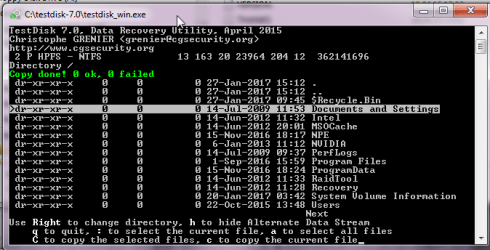
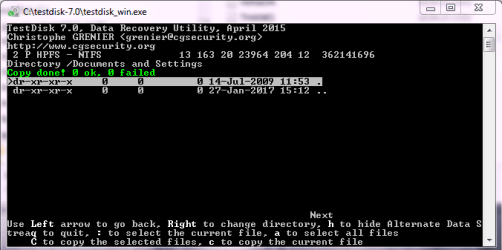
I have continued to try copying the folder “Documents and Settings”, but the results have not changed. When I copied, I have always seen on out of two screens:
Images:
TD - copying Docs and Settings 01.png
TD - copying Docs and Settings 02.png.
I have no idea why copying of exactly this folder is not possible.
So far I have copied
Partition 1 HPFS-NFTS
· File folder “Boot (35 files, 24 Folders, 13.9 MB)
· File “bootmgr” (391 KB)
· BAK file “BOOTSECT.BAK (8 KB)
Partition 2 P HPFS - NFTS
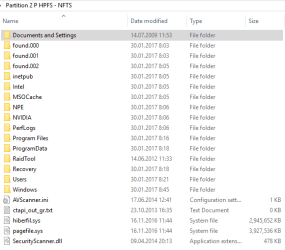
· 133,568 Files, 22999 Folders, 43.9 GB
Image:
Partition 2 P HPFS - NFTS.png
Please note that the File folder Documents and Settings was copied without any files inside.
Have you more tasks for me to bring us forward?
Images
Checking file system in I-drive 01.jpg
Checking file system in I-drive 02.jpg
Checking file system in I-drive 03.jpg
Checking file system in I-drive 04.jpg
When I try accessing Drive I through Explorer, I get two messages: the first is “I: is not accessible. Data error (cyclic redundancy check)”; the second message is “You need to format the disk in drive I: before you can use it.” Formatting is not an option. What does the first message mean? Can we do anything about it?
Images:
Drive I not accessible.jpg
Drive I requires formatting before use.jpg
Drive I: is still in RAW.
Previously in Disk Management right clicking on Drive J: only offered one option: New Simple Volume. Now more options are offered.
Image:
Disk Management 2017 01 28 – 02.jpg
I did several TDs; initially, I could copy whatever I thought was valuable; however, choosing the “paste” location had given me a big headache. Copying the entire 2 P HFPS – NFTS Directory took about 3.5 hours; as I could not find any desired saving location, 3.5 hours of looking at the process were a waste.
Images:
TD - destinations for copying marked files process 01.png
TD - destinations for copying marked files process 02.png
TD - destinations for copying marked files process 03 copying finished.png
TD - destinations for copying marked files process 04 copying finished.png.
After I finally managed to find Drive D: as saving location, nothing was copied into Drive D:
Image:
TD - destinations for copying marked files process 05.png
After that I turned towards copying the Outlook 1.pst, and the Outlook 1.log. This process magically was successful with the first attempt.
On the next day, I have again tried hard to copy the Partition 2 P HFPS – NFTS; after several failed attempts and about 7 hours later, I finally managed to copy to the desired destination. After checking the result, I saw that about 44 GB were copied; however from “Documents and Setting” only an empty folder was copied.
I am still trying to copy the contents of the “Documents and Setting”.
While copying, on another PC I have looked at where Outlook is storing the information about the password; it is here:
Registry under HKEY_CURRENT_USER\Software\Microsoft\Windows NT\CurrentVersion\Windows Messaging Subsystem\Profiles\[Profile Name]\9375CFF0413111d3B88A00104B2A6676\[Account Index].
From what I have read about encrypting the logon information, decrypting from the registry is only possible when Windows is running again from the WD 500 GB HD. For this process I have found several programs. One I have tested on my other PC and in no time the password was retrieved. But this program works only in cooperation with the Local Security Authority, integrated into Windows.
I have continued to try copying the folder “Documents and Settings”, but the results have not changed. When I copied, I have always seen on out of two screens:
Images:
TD - copying Docs and Settings 01.png
TD - copying Docs and Settings 02.png.
I have no idea why copying of exactly this folder is not possible.
So far I have copied
Partition 1 HPFS-NFTS
· File folder “Boot (35 files, 24 Folders, 13.9 MB)
· File “bootmgr” (391 KB)
· BAK file “BOOTSECT.BAK (8 KB)
Partition 2 P HPFS - NFTS
· 133,568 Files, 22999 Folders, 43.9 GB
Image:
Partition 2 P HPFS - NFTS.png
Please note that the File folder Documents and Settings was copied without any files inside.
Have you more tasks for me to bring us forward?
Attachments
-
 Checking file system in I-drive 01.JPG248.2 KB · Views: 1
 -
 Checking file system in I-drive 02.JPG257.1 KB · Views: 1
 -
 Checking file system in I-drive 03.JPG248.6 KB · Views: 1
 -
 Checking file system in I-drive 04.JPG285.3 KB · Views: 1
 -
 Drive I not accessible.png26 KB · Views: 1
 -
 TD - destinations for copying marked files process 03 copying finished.png19.7 KB · Views: 35
 -
 TD - destinations for copying marked files process 02.png17.8 KB · Views: 35
 -
 TD - destinations for copying marked files process 01.png17.8 KB · Views: 35
 -
 Disk Management 2017 01 28 - 02.png36.8 KB · Views: 2
 -
 Drive I requires formatting before use.png53.7 KB · Views: 1
 -
 TD - destinations for copying marked files process 04.png20 KB · Views: 35
 -
 Partition 2 P HPFS - NFTS.png10.2 KB · Views: 35
 -
 TD - copying Docs and Settings 02.png16 KB · Views: 35
 -
 TD - copying Docs and Settings 01.png12.1 KB · Views: 35
 -
 TD - destinations for copying marked files process 05.png17.3 KB · Views: 35
My Computer
At a glance
Win 7 ProfessionalIntel (R) Core (TM) i5 CPU 650 @ 3.20 GHz 3.1...8GB RAMNVIDIA GeForce GT220
- Computer type
- PC/Desktop
- Computer Manufacturer/Model Number
- Cooler Master
- OS
- Win 7 Professional
- CPU
- Intel (R) Core (TM) i5 CPU 650 @ 3.20 GHz 3.19 GHz
- Motherboard
- Gigabyte GA-P55-UD3L
- Memory
- 8GB RAM
- Graphics Card(s)
- NVIDIA GeForce GT220
- Sound Card
- Realtek High Definition Audio
- Monitor(s) Displays
- Generic PnP Monitor (ACR0347
- Screen Resolution
- 1900 x 1080
- Hard Drives
- Western Digital Caviar Blue 500 GB
- PSU
- GVIEW Titanum 500 Watts
- Case
- CoolerMaster
- Keyboard
- Dell USB Keyboard
- Mouse
- USB Optical Mouse
- Internet Speed
- >15 Mb/s
- Antivirus
- Norton Internet Security
- Browser
- Firefox 49

 . )
. )