Similar issue - booting XP as a second operating system with Win 7 Pro already installed. But different because I have the XP system disk from my old computer and just want to move it to the new one. I have had it with virtual XP, just too many things it will not do that XP will. THe XP disk is sata 2 as is my new computer. So, do I just put the XP disk in an empty drive bay and call it done? Pretty sure that a lot of new drivers need to be installed, not sure the Win 7 machine will even recognize the second drive as bootable, etc.
My apologies if this has elsewhere been discussed - searched a lot before posting.
This site has solved every problem I have encountered and I hope that is the case once again.
Thanks a lot for you help.
LowPingBoy
First check for all the Win XP drivers for your hardware on the manufacturer's web site.
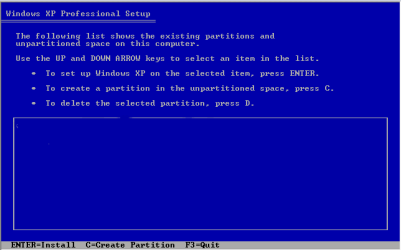
If your Win XP CD, does not support your Sata Controller, you will need to load drivers to uses at F6.
Load Sata Controller drivers with a floppy disk is the best way.
http://www.sevenforums.com/tutorials/66010-sata-drivers-load-windows-xp-setup-dual-boot.html
OR
http://www.sevenforums.com/tutorials/72185-sata-drivers-slipstream-into-windows-xp-cd.html
When using SysPrep or Paragon Adaptive Restore, you may need to install Sata Controller drivers.
My Computer
At a glance
ME/XP/Vista/Win7
- OS
- ME/XP/Vista/Win7