
Zelgladius
New member
"ntoskrnl.exe"!KeAcquireInStackQueuedSpinLockAtDcpLevel+0x1e0".
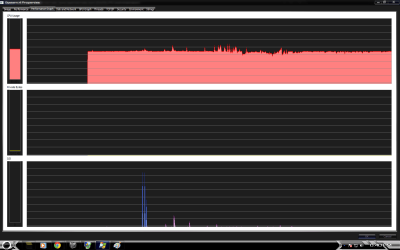
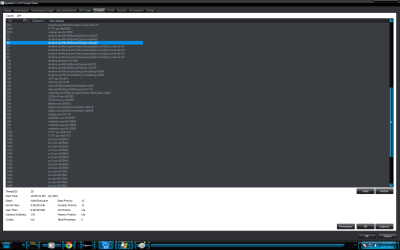
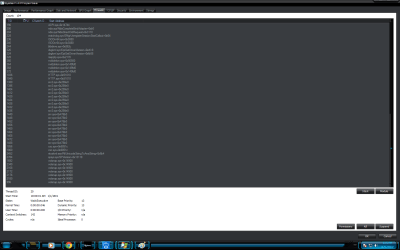
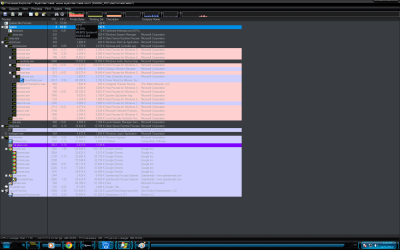
^^ This right there is my problem. Here are screen shots of my problem may one of the experts please help me because my other thread is useless please remove it This is day 2 and no one knows the fix to this?
I found this post on another site but did not understand what he did to fix the issue does anybody know any light to this issue?
FIGURED IT OUT!!
There was a driver from "New Software, Inc." for a product called "Folder-Lock", which is used to be able to assign a password to access windows folders, that was getting invoked by the Win7 System Kernel. I uninstalled this product, and presto, problem gone - no more 50% of CPU being used by system - - -
How I Did It::
I couldn't find any software or features within "Xperf", "Windows Process Monitor", or "Windows Process Explorer" that allowed me to "map" the offending Thread ID to the responsible driver. However, Windows Process Explorer does display info for all the Drivers being loaded/invoked for a given process - including the "System" kernel process.
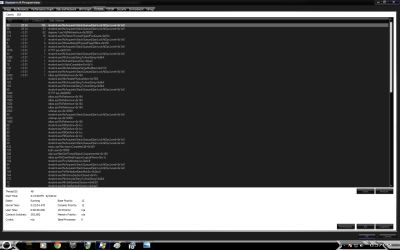
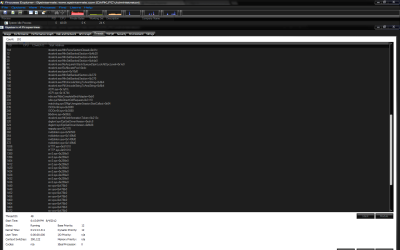
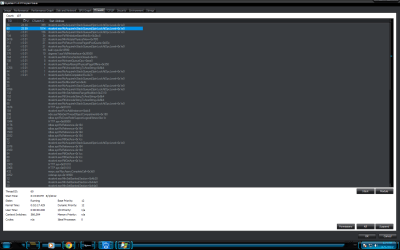
So I just went and slowly browsed thru all 173 of them, and thought about what non-Microsoft drivers might possibly have something to do with locking up resources - a clue given to me by the Starting Address for the offending TID from Process Explorer:
"ntoskrnl.exe"!KeAcquireInStackQueuedSpinLockAtDcpLevel+0x1e0".
Normal "human heuristics logic" - - -
^^ This right there is my problem. Here are screen shots of my problem may one of the experts please help me because my other thread is useless please remove it This is day 2 and no one knows the fix to this?
I found this post on another site but did not understand what he did to fix the issue does anybody know any light to this issue?
FIGURED IT OUT!!
There was a driver from "New Software, Inc." for a product called "Folder-Lock", which is used to be able to assign a password to access windows folders, that was getting invoked by the Win7 System Kernel. I uninstalled this product, and presto, problem gone - no more 50% of CPU being used by system - - -
How I Did It::
I couldn't find any software or features within "Xperf", "Windows Process Monitor", or "Windows Process Explorer" that allowed me to "map" the offending Thread ID to the responsible driver. However, Windows Process Explorer does display info for all the Drivers being loaded/invoked for a given process - including the "System" kernel process.
So I just went and slowly browsed thru all 173 of them, and thought about what non-Microsoft drivers might possibly have something to do with locking up resources - a clue given to me by the Starting Address for the offending TID from Process Explorer:
"ntoskrnl.exe"!KeAcquireInStackQueuedSpinLockAtDcpLevel+0x1e0".
Normal "human heuristics logic" - - -
Attachments

My Computer
At a glance
Microsoft 7 Ultimate 64-bitAMD Phenom(tm) 9500 Quad-Core Processor3.00 GBNVIDIA GeForce 8500 GT (Microsoft Corporation...
- Computer Manufacturer/Model Number
- Manufacturer ECS /Product Nettle3 /Version 2.1
- OS
- Microsoft 7 Ultimate 64-bit
- CPU
- AMD Phenom(tm) 9500 Quad-Core Processor
- Motherboard
- ECS Nettle3
- Memory
- 3.00 GB
- Graphics Card(s)
- NVIDIA GeForce 8500 GT (Microsoft Corporation - WDDM v1.1)
- Sound Card
- High Definition Audio Device
- Monitor(s) Displays
- Hp w2207
- Screen Resolution
- 1680 x 1050 (Recommended)
- Hard Drives
- ST336032 0AS SCSI Disk Device
Fixed hard disk media
Partitions: 2
Serial # 6QF3Y2QV
Size = 335.35 GB


 if you can't or will not help me or enlighten me on my issue i will just seek it out somewhere else if i am going to get banned for the specifications please just do it.. the fun would have to come to an end at some point but i legitimately need help on this problem and i highly doubt it has to do with this subject