Livin in a box
New member
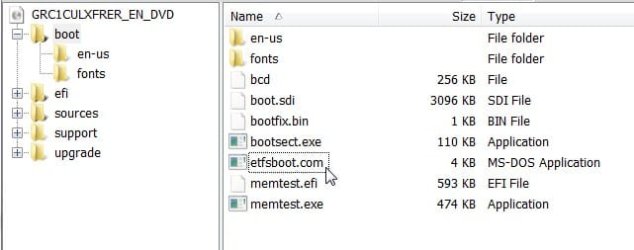
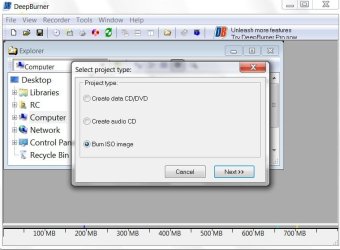
I've been trying for ages to make a bootable ISO, but it just 'aint working. I have the Trial of UltraISO, but it's a bit useless as you can only burn up to 650MB, and I'm not paying £25 for something that I'll only use once. I've tried using ImgBurn's method of setting a boot file from vLite, but when I try and load it up from the BIOS, it just says 'CDBOOT: CANNOT BOOT FROM CD : CODE 5'. I'm currently running a 32 bit version so I can't run it from Windows itself. I also don't have a USB stick that has 4GB capacity, and I'm not buying one as I don't need it. I've also changed the autorun.inf file a bit so not it just runs setup.exe, not splaat.exe. Whatever that is...
Does anyone know how I can do it? I'm not downloading another ISO file...Thanksss.
Does anyone know how I can do it? I'm not downloading another ISO file...Thanksss.
My Computer
- Computer Manufacturer/Model Number
- Dell Inspiron 6400
- OS
- Windows 7 Build 7057 x86
- CPU
- Intel Pentium Dual-Core T2080@ 1.73 GHz
- Memory
- 2GB
- Graphics Card(s)
- Intel 945GM Express Chipset Family
- Sound Card
- SigmaTel High Definition Audio
- Screen Resolution
- 1280x800
- Hard Drives
- Standard 160GB Dell drive.
- Keyboard
- Standard PS/2 Kayboard