
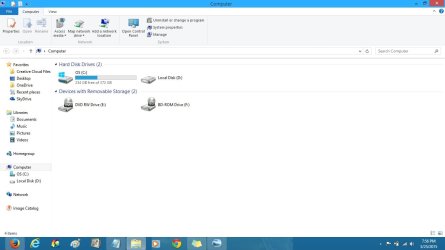
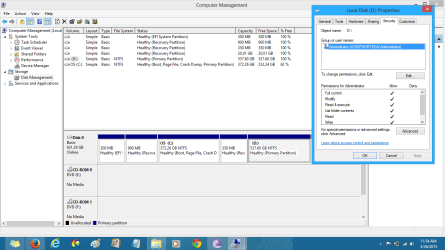
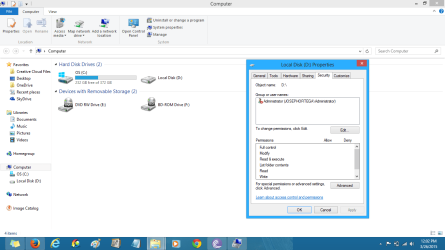
SOMEBODY PLEASE HELP ME! I need help changing permissions and taking ownership of my Local Disk D.I have denied all permissions to my Windows Vista Local Disk D,and now I cannot change the permissions or take ownership even as an Administrator.System Restore didn't help.The disk is marked "Access Denied" and when you go to its properties,you find the following: General: Access Denied All spaces 0 bytes Sharing: Not Shared Security: Current owner---Unable to display current owner When I click to change ownership to Administrator,I get "Unable to set new owner on Access Denied (D . Access is Denied" Same results when I go to Advanced. Please help me!.I don't want to lose my documents on the Disk.
. Access is Denied" Same results when I go to Advanced. Please help me!.I don't want to lose my documents on the Disk.Attachments

My Computer
At a glance
Windows 8 64-bit Operating SystemIntel(R) Core (TM) i7-4500U CPU @ 1.80GHz8GB
- Computer type
- Laptop
- Computer Manufacturer/Model Number
- Asus
- OS
- Windows 8 64-bit Operating System
- CPU
- Intel(R) Core (TM) i7-4500U CPU @ 1.80GHz
- Memory
- 8GB
- Antivirus
- Nod32
- Browser
- Mozilla


