
KingOfNomads
New member
- Local time
- 9:02 PM
- Messages
- 6
Hey everyone,
About three weeks ago i started having problems with java.
I removed the old builds with JavaRa.
After that i went to the Control Panel, where i removed some builds that JavaRa didn't detect.
I've set the JDK path in the PATH system variable.
In the HKEY_LOCAL_MACHINE\SOFTWARE\JavaSoft\Java Runtime Environment, the "currentversion" variable is 1.8.
But everytime i start, for example, Minecraft, i get this:
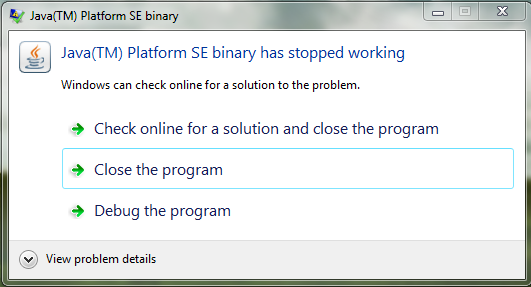
Problem details:
Problem signature:
Problem Event Name: APPCRASH
Application Name: java.exe
Application Version: 8.0.25.18
Application Timestamp: 54345ca0
Fault Module Name: StackHash_6c95
Fault Module Version: 6.1.7601.18869
Fault Module Timestamp: 556366f2
Exception Code: c0000374
Exception Offset: 00000000000bfc22
OS Version: 6.1.7601.2.1.0.768.3
Locale ID: 1033
Additional Information 1: 6c95
Additional Information 2: 6c9598dce11d532ca85343c6a66626b7
Additional Information 3: 22bc
Additional Information 4: 22bc6c5b2c92a40574c7d0615d3bd354
------------------------------------------------------------------------
When i registered for this forum, i wanted to see my motherboard model, so i ran dxdiag in cmd.
Then this popped up:
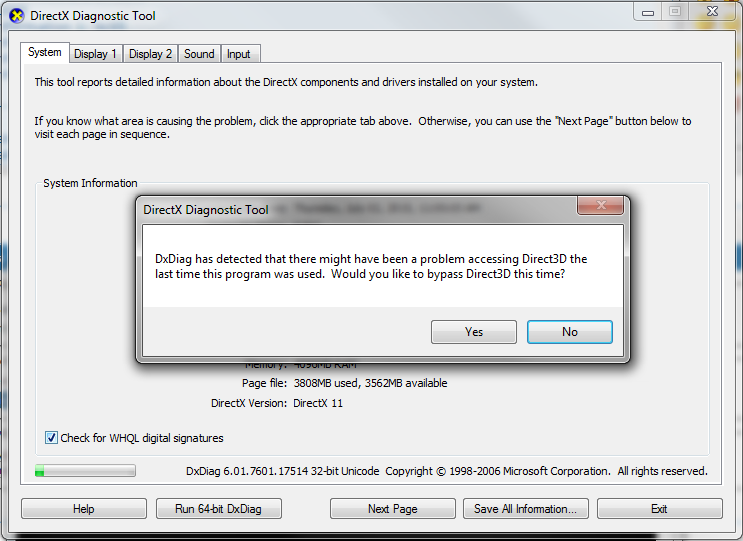
When i click yes, it runs normally.
When i click no, i get this:
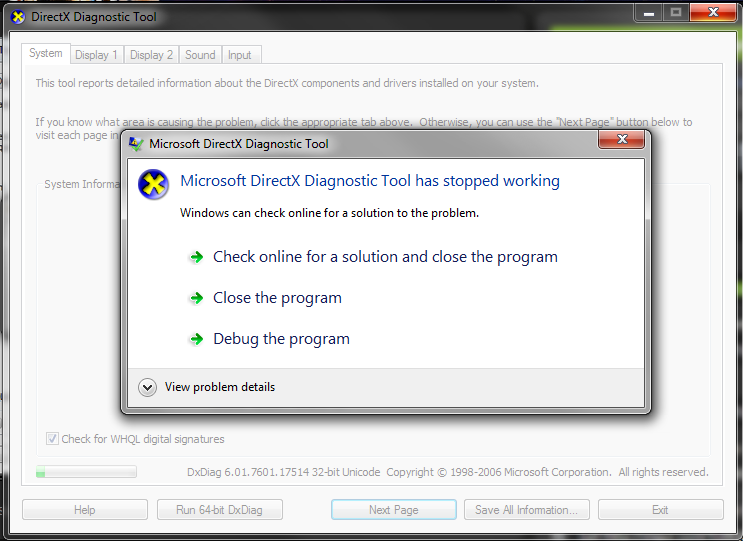
Problem details:
Problem Event Name: APPCRASH
Application Name: dxdiag.exe
Application Version: 6.1.7600.16385
Application Timestamp: 4a5bc310
Fault Module Name: StackHash_370f
Fault Module Version: 6.1.7601.18869
Fault Module Timestamp: 55636317
Exception Code: c0000374
Exception Offset: 000cea5f
OS Version: 6.1.7601.2.1.0.768.3
Locale ID: 1033
Additional Information 1: 370f
Additional Information 2: 370f7d923d9b7b3261e3f43968388572
Additional Information 3: 38b7
Additional Information 4: 38b7f530f044068f1010ca2f807b2aa3
---------------------------------------------------------------------------
So it's not just Java.
Maybe it's somehow related to Direct3D.
When i go to Control Panel->System and Security->System, it crashes sometimes as well (Same error).
I would greatly appreciate any suggestions .
.
About three weeks ago i started having problems with java.
I removed the old builds with JavaRa.
After that i went to the Control Panel, where i removed some builds that JavaRa didn't detect.
I've set the JDK path in the PATH system variable.
In the HKEY_LOCAL_MACHINE\SOFTWARE\JavaSoft\Java Runtime Environment, the "currentversion" variable is 1.8.
But everytime i start, for example, Minecraft, i get this:
Problem details:
Problem signature:
Problem Event Name: APPCRASH
Application Name: java.exe
Application Version: 8.0.25.18
Application Timestamp: 54345ca0
Fault Module Name: StackHash_6c95
Fault Module Version: 6.1.7601.18869
Fault Module Timestamp: 556366f2
Exception Code: c0000374
Exception Offset: 00000000000bfc22
OS Version: 6.1.7601.2.1.0.768.3
Locale ID: 1033
Additional Information 1: 6c95
Additional Information 2: 6c9598dce11d532ca85343c6a66626b7
Additional Information 3: 22bc
Additional Information 4: 22bc6c5b2c92a40574c7d0615d3bd354
------------------------------------------------------------------------
When i registered for this forum, i wanted to see my motherboard model, so i ran dxdiag in cmd.
Then this popped up:
When i click yes, it runs normally.
When i click no, i get this:
Problem details:
Problem Event Name: APPCRASH
Application Name: dxdiag.exe
Application Version: 6.1.7600.16385
Application Timestamp: 4a5bc310
Fault Module Name: StackHash_370f
Fault Module Version: 6.1.7601.18869
Fault Module Timestamp: 55636317
Exception Code: c0000374
Exception Offset: 000cea5f
OS Version: 6.1.7601.2.1.0.768.3
Locale ID: 1033
Additional Information 1: 370f
Additional Information 2: 370f7d923d9b7b3261e3f43968388572
Additional Information 3: 38b7
Additional Information 4: 38b7f530f044068f1010ca2f807b2aa3
---------------------------------------------------------------------------
So it's not just Java.
Maybe it's somehow related to Direct3D.
When i go to Control Panel->System and Security->System, it crashes sometimes as well (Same error).
I would greatly appreciate any suggestions
.My Computer
- Computer type
- Laptop
- Computer Manufacturer/Model Number
- Lenovo
- OS
- Windows 7 Home Premium 64bit Service Pack 1
- CPU
- AMD E-450 APU with Radion(tm) HD Graphics 1.65 GHz
- Motherboard
- Unknown
- Memory
- 4.00 GB
- Graphics Card(s)
- HD Graphics 1.65 (Build in)
- Antivirus
- Malwarebytes (No Premium License)
- Browser
- Google Chrome


