Hello everybody!
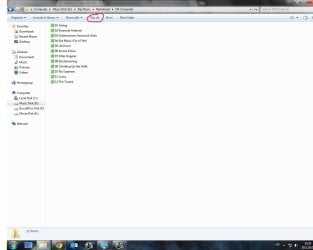
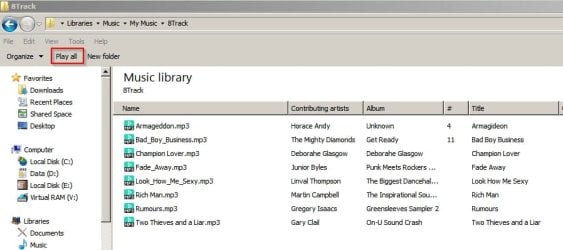
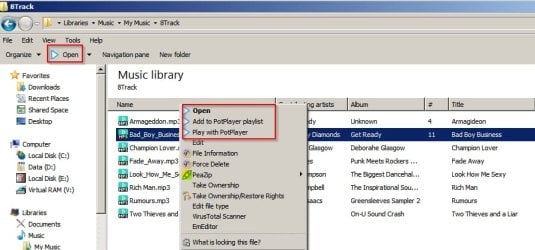
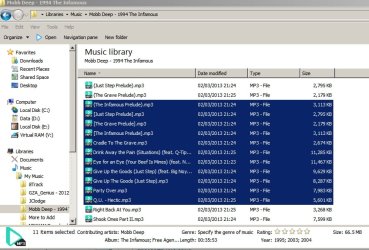
I set MusicBee as my default music player and have associated files with it. Everything is working fine, except when i click ''Play All'' option for some folders it normally opens MusicBee and in others it opens Windows Media Player. It has absolutely nothing to do with different file types cause they are all mp3 files and also if I click on them individually they normally open in MusicBee as they should. So I figured everything should be ok if I just disabled Windows Media Player with ''Turn Windows Features On or Off'' option, but it didn't help because the ''Play All'' option that opened WMP before now simply does nothing.
Please help! How can i make ''Play All'' option always to open MusicBee?
I set MusicBee as my default music player and have associated files with it. Everything is working fine, except when i click ''Play All'' option for some folders it normally opens MusicBee and in others it opens Windows Media Player. It has absolutely nothing to do with different file types cause they are all mp3 files and also if I click on them individually they normally open in MusicBee as they should. So I figured everything should be ok if I just disabled Windows Media Player with ''Turn Windows Features On or Off'' option, but it didn't help because the ''Play All'' option that opened WMP before now simply does nothing.
Please help! How can i make ''Play All'' option always to open MusicBee?
My Computer
At a glance
Windows 7 Ultimate x64Intel Pentium G3258, 3.20 GHz8 GBNvidia GeForce GTX 750 Ti
- Computer type
- PC/Desktop
- OS
- Windows 7 Ultimate x64
- CPU
- Intel Pentium G3258, 3.20 GHz
- Motherboard
- Asus H81M-E
- Memory
- 8 GB
- Graphics Card(s)
- Nvidia GeForce GTX 750 Ti