
There is probably one underlying problem that will solve all of this because it all started about the same time.
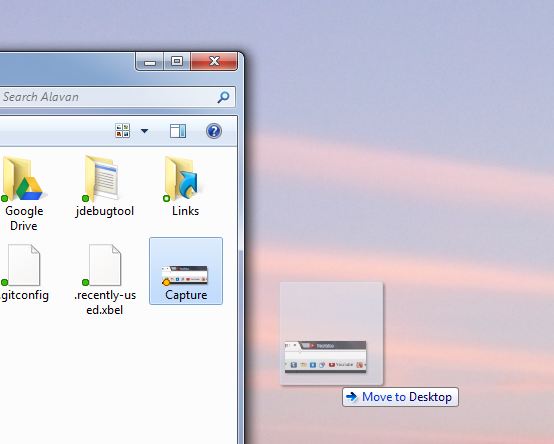
1. Drag and drop frequently stops working
Upon releasing mouse:
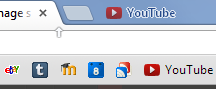
Releasing a favorite on the top bar of Chrome:
Dragging a picture and releasing anywhere (text also) in Chrome:
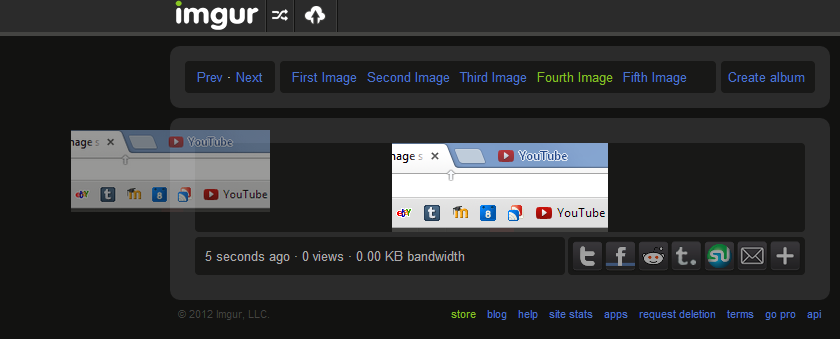
- Hitting ESC doesn't make it work again
- Dragging another item makes the previous "faded" one go away
- Hitting ESC while dragging stops the drag and doesn't leave a "faded" item, but doesn't fix the problem.
- Restarting the computer temporarily fixes the problem.
2. Bizzare Distortion in Windows Explorer window address bar
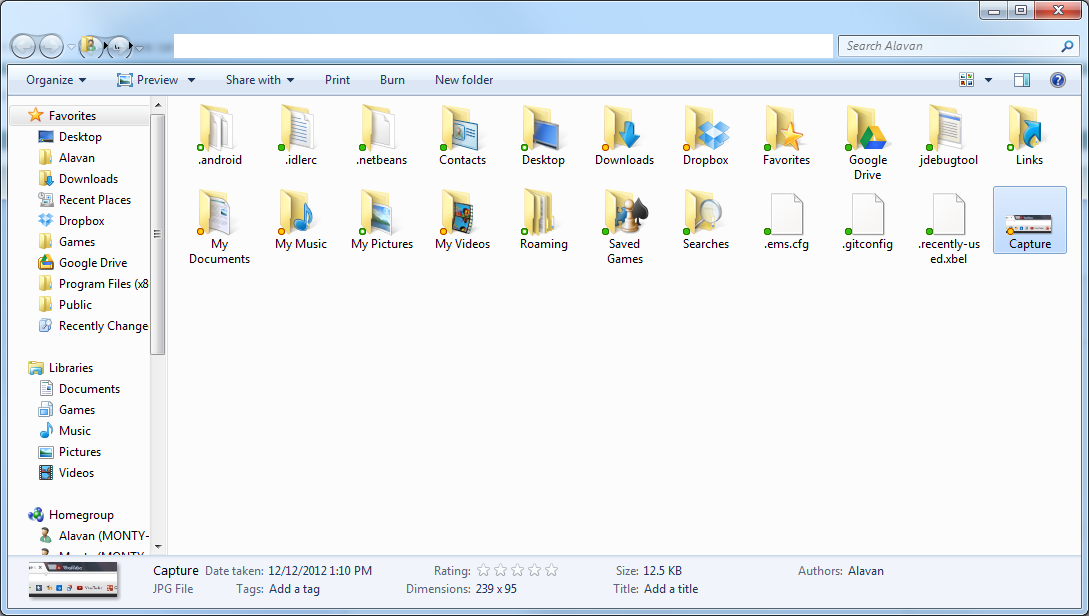
- Mousing over the weird-looking items next to "back" and "forward" causes them to look slightly different (re-rendering them) but they still look weird.
- Restarting the computer temporarily fixes the problem
- This is not a problem, but it may provide clues to what the underlying problem is.
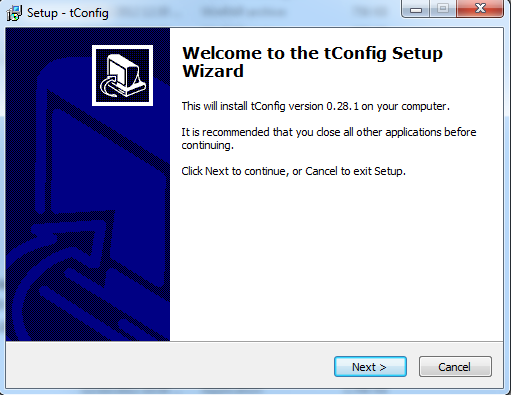
3. Windows installer buttons "Next", and "Cancel" do not do anything upon click, but DO work on pressing ENTER. Then on the page to accept the license aggreement, the buttons (including the "Agree" radio button) are still un-clickable, but the Radio buttons don't work with ENTER (and next is grayed out, as expected).

- Already tried sfc /scannow, which didn't find any problems.
- Upon pressing ENTER on "Cancel" the confirmation box pops up asking if I want to close the setup. The buttons in that dialog box DO work on click.
4. Windows Update fails to retrieve updates to review, but still lets me install them from the first screen

1. Drag and drop frequently stops working
Upon releasing mouse:
Releasing a favorite on the top bar of Chrome:
Dragging a picture and releasing anywhere (text also) in Chrome:
- Hitting ESC doesn't make it work again
- Dragging another item makes the previous "faded" one go away
- Hitting ESC while dragging stops the drag and doesn't leave a "faded" item, but doesn't fix the problem.
- Restarting the computer temporarily fixes the problem.
2. Bizzare Distortion in Windows Explorer window address bar
- Mousing over the weird-looking items next to "back" and "forward" causes them to look slightly different (re-rendering them) but they still look weird.
- Restarting the computer temporarily fixes the problem
- This is not a problem, but it may provide clues to what the underlying problem is.
3. Windows installer buttons "Next", and "Cancel" do not do anything upon click, but DO work on pressing ENTER. Then on the page to accept the license aggreement, the buttons (including the "Agree" radio button) are still un-clickable, but the Radio buttons don't work with ENTER (and next is grayed out, as expected).
- Already tried sfc /scannow, which didn't find any problems.
- Upon pressing ENTER on "Cancel" the confirmation box pops up asking if I want to close the setup. The buttons in that dialog box DO work on click.
4. Windows Update fails to retrieve updates to review, but still lets me install them from the first screen
My Computer
- OS
- Windows 7 Enterprise 64-bit

