You may find it a bit easier following the steps outlined in the guide for setting up a
http://www.sevenforums.com/tutorials/8057-dual-boot-installation-windows-7-xp.html
The guide explains how to correct the booting problems whether XP is installed first or last. When 7 the newer version goes on last the boot entry for XP is automatically added in as the Previous version option you see at startup. If you are booting across two drives then the XP boot files and boot.in file are copied over to the boot drive if the second drive not default is used.
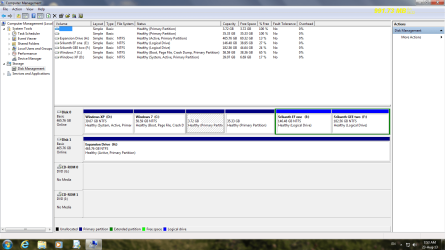
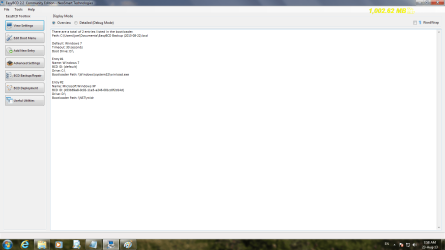
The EasyBCD tool is also referred to there. 7 however is no longer booting from the first but second primary as indicated by the screenshot of the DM showing the C volume marked as boot. This is why XP is not loading up when selected and why you will want to review the guide for setting up a dual boot between the two versions due to the differences in boot loaders.