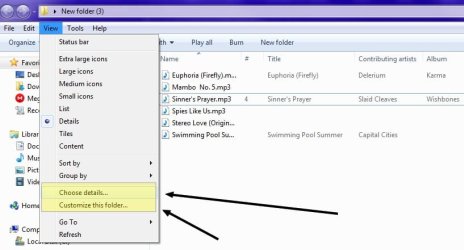
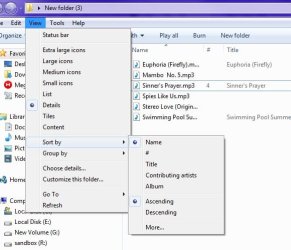
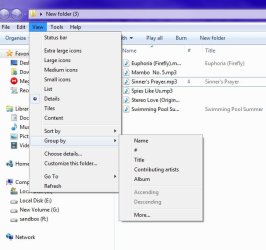
By default Explorer lists #, Title, artists, etc., for .mp3 files. What I want is just standard file info, like name, size, date, etc.
I can obviously change this on a per instance basis by right clicking the heading bar, but I want to change the default behavior.
Any way to dumb down Win 7 so it's not deciding what I want to see, and instead display standard info for every type of file?
Another related question is that I'd like to always have "Details" as my default file view, instead of List or Icon, etc. Generally this sticks, but occasionally windows gives me another view type.
IF neither of these are fixable within windows itself, is there a recommendation for an alt file viewer that doesn't have a mind of it's own?
(I really like Win 7 in general BTW, have been using it for years)
I can obviously change this on a per instance basis by right clicking the heading bar, but I want to change the default behavior.
Any way to dumb down Win 7 so it's not deciding what I want to see, and instead display standard info for every type of file?
Another related question is that I'd like to always have "Details" as my default file view, instead of List or Icon, etc. Generally this sticks, but occasionally windows gives me another view type.
IF neither of these are fixable within windows itself, is there a recommendation for an alt file viewer that doesn't have a mind of it's own?
(I really like Win 7 in general BTW, have been using it for years)
My Computers
-
At a glance
Windows 7AMD- Computer type
- PC/Desktop
- Computer Manufacturer/Model Number
- Custom
- OS
- Windows 7
- CPU
- AMD
- Motherboard
- Asus
-
- Computer type
- PC/Desktop