Nicholonio
New member
- Local time
- 11:49 AM
- Messages
- 15
I apologize in advance if a thread related to this has already happened. Judging from my join date, I'm obviously new to these forums, a friend of mine recommended this to me, so I'm hoping someone here can help me figure out this problem.
That problem being, I recently just wiped out my Windows 7 Basic edition due to some problems it was having and I recently just installed Windows 7 Ultimate (Wireless LAN_Realtek_8.0.0.238_W7x86W7x64_EM108). Now from my judgment with computers when I want to connect to a router, in the bottom right hand corner you could do as so and connect right away. Well, I can't do that. Right now I'm connected through my Ethernet cord and I'm trying to figure out this issue.
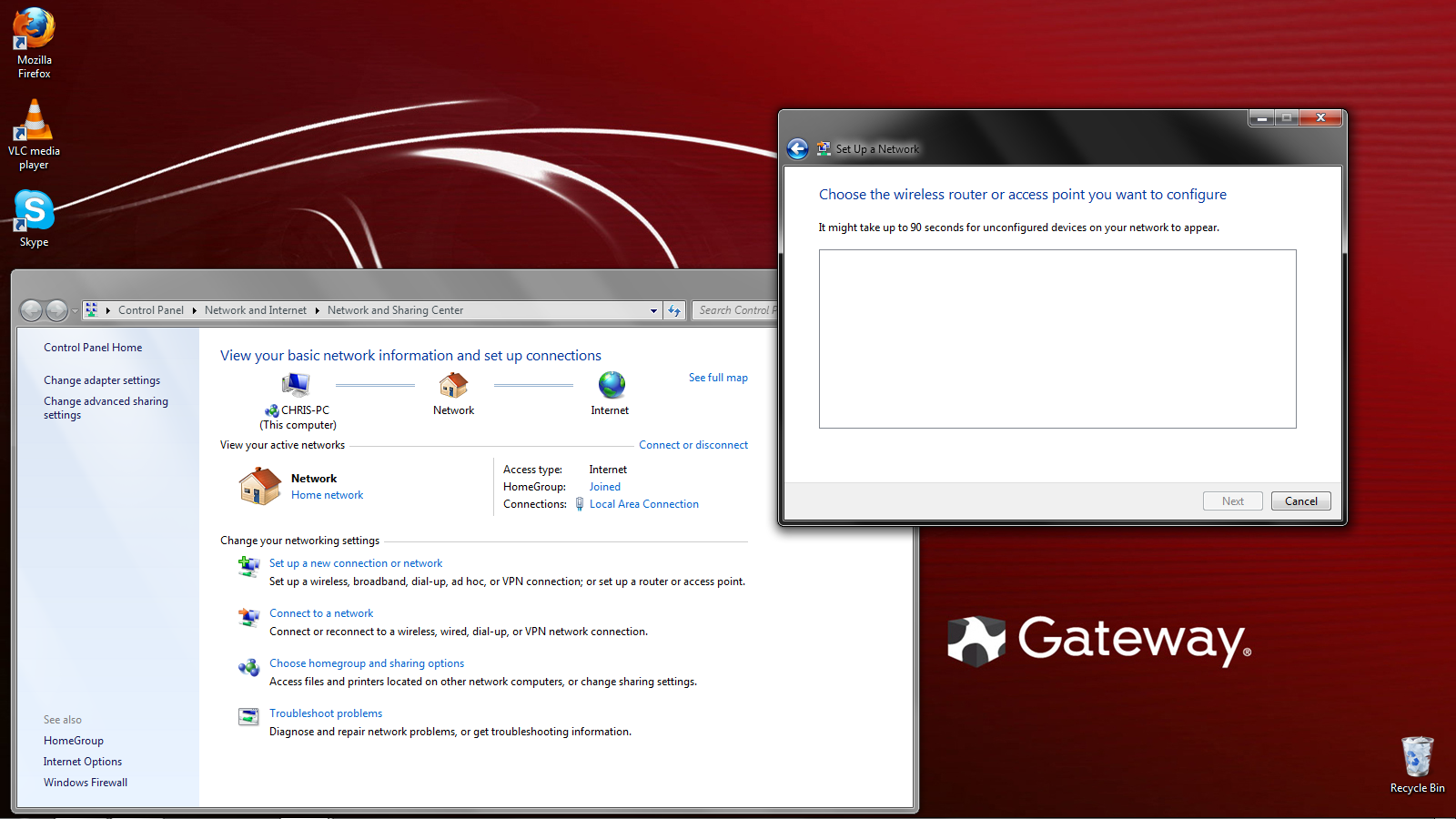
I went to my manufacturer website (I have a Gateway zx4800) and I recently downloaded the driver I needed (also x64bit) and I have set-up and installed what I needed to do and I even restarted, and still nothing. I even tried to set-up a wireless connection myself and it told me to wait 90 seconds, but nothing showed up for me to sent anything up, so my mind is just completely boggled.
If I left out any specs that should be posted here to help, I'm sorry in advance, I can answer back asap, but I'm really hoping I can get this problem resolved.
That problem being, I recently just wiped out my Windows 7 Basic edition due to some problems it was having and I recently just installed Windows 7 Ultimate (Wireless LAN_Realtek_8.0.0.238_W7x86W7x64_EM108). Now from my judgment with computers when I want to connect to a router, in the bottom right hand corner you could do as so and connect right away. Well, I can't do that. Right now I'm connected through my Ethernet cord and I'm trying to figure out this issue.
I went to my manufacturer website (I have a Gateway zx4800) and I recently downloaded the driver I needed (also x64bit) and I have set-up and installed what I needed to do and I even restarted, and still nothing. I even tried to set-up a wireless connection myself and it told me to wait 90 seconds, but nothing showed up for me to sent anything up, so my mind is just completely boggled.
If I left out any specs that should be posted here to help, I'm sorry in advance, I can answer back asap, but I'm really hoping I can get this problem resolved.
My Computer
At a glance
Windows 7 Ultimate x64bit
- OS
- Windows 7 Ultimate x64bit