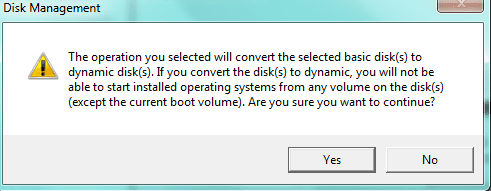
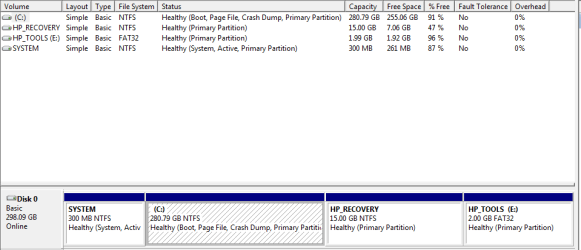
You already have 4 primary partitions on the HD. To install XP, you'll need to use one of those Primary partitions.
If you make the Recovery DVD's as Kari suggests, test them to make sure they boot and cue up Recovery correctly. Then would you want to use the Recovery Partition to install XP?
Others may have another suggestion, but if you decide you want to install XP in the Recovery Partition space, I would first make a Win7 Backup image of the entire HD to save externally so you have the Recov partition backed up besides the Recovery DVD's (which sometimes dont' work).
Then you can delete the Recovery partition, shrink some more space from C to add to it if you want, then Create a new primary partition there to install XP. Boot from the XP CD and use it's drive tools to Create and Format the partition in the unallocated space you create for it.
Make sure you make the Win7 REpair CD offered when you create the System Image in Backup Center. This is what you would use to reimage the HD from the saved System Image. And back up your files separately, always.