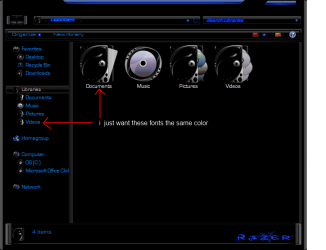
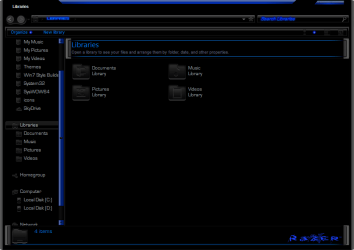
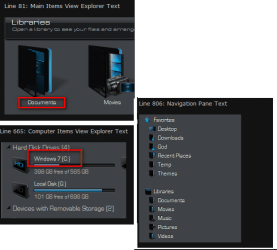
OK I installed it and I see what you mean and I looked at the locations for those text and they are the light gray color like in the task manager, I replaced the whole NormalColor folder in that theme with one from the original Aero theme and tested it and then text colors change from blue to the light gray. So with that being said the theme creator has edited the shellstyle.dll or the shellstyle.dll.mui located at C:\Windows\Resources\Themes\ESCL Energy G_Laser\Shell\NormalColor folder,
So you will have to look and see how that was done in the shellstyle.dll or the shellstyle.dll.mui.
Jerry