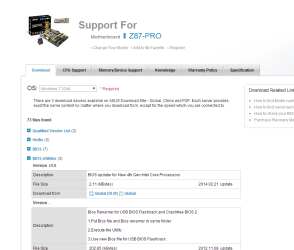
Thanks for the reply. It appears to be a conflict with ASUS. The following is the procedure suggested for another ASUS-re;ated query.
a. Press Windows Key + R, type devmgmt.msc.
b. Expand the Universal Serial Bus Controllers section by clicking on the"+" sign.
c. Uninstall each of the devices under theUSB Controller section by right-clicking on each one, and then clicking Uninstall.
d. Close the Device Manager and restart your computer. Windows will automatically re-install the USB controllers in your computer, without you having to do anything further. Your computer will now run USB devices properly.
I tried the above and it solved the problem, but not permanently. On a subsequent boot-up the problem was back.
Response to another ASUS-related query suggested the following:
1. Open Add or remove programs.
2. Choose ASUS' AI Suite II and click on Uninstall.
You are given an option to change the configuration of the utility.
3. Select the option to delete USB 3.0 Boost and restart the system.
After the system restarts, all SuperSpeed ports will be functional. Please note, the USB 3.0 Boost utility is not required on Windows 8/8.1 because the operating system has a Microsoft-provided UASP driver (uaspstor.sys)
Although my mouse is plugged into one of the USB 2 ports, I will definately do the above, next.