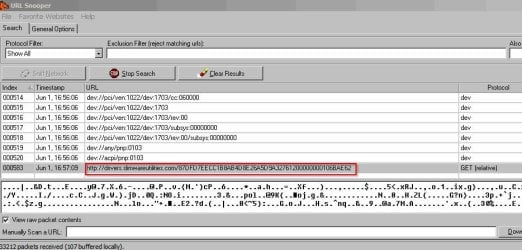
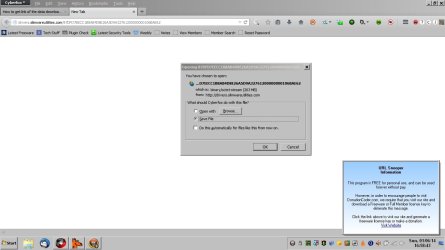
It would likely not be easy. You can see what IP address it is connecting to, but likley not the specific address.
You can use the netstat command to see what programs are calling out, and where.
Open an advanced command prompt
Start> In search box type
cmd>
Right click on cmd.exe in results above and choose
Run as administrator> When command prompt opens type
netstat -bnf
Enter
This will list which exe files are connecting to the internet, and also the IP addresses they are connecting to
You can also create a log. Typing
netstat -bnf 5 >> C:\connections.txt
For instance will run the command at five second intervals until stopped by pressing the
Ctrl+c keys. This will create a text log file in C:\ named
connections.txt
You can also get similar info with a simple, free program like CurrPorts
CurrPorts: Monitoring TCP/IP network connections on Windows
Scroll down to near the bottom and d/l the x64 version. Usually the IP addresses will not load in a browser as is.
If you spend some time learning, perhaps a more complex program like Wireshark can get more info
Wireshark · Go Deep.
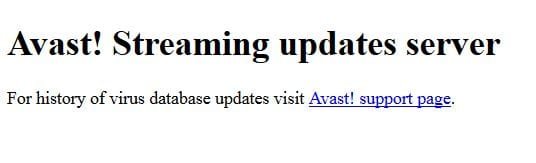
It is a very powerful program, but again, I am not certain it can tell you the exact address the updates are being retrieved from. For instance, using CurrPorts for Avast! Updates, I get an IP address of 77.234.43.64. Pasting that in a browser will get you
A Guy



 I don't use any driver update programs, and would certainly not let one do it automatically. A Guy