
A few seconds after logging into my computer, I receive this message:
Do you want the following program to make changes to you computer?
It's from Command Center and the file origin is from my Hard Drive. When I show info about the pubisher's certificate it says that it's "ok" and show that it came from microsoft root authority. The validity of it expired in 2011. If I click on yes the message goes away until the next time i log onto my computer.
However, if I click on no instead of yes the message almost instantly pops up again. If I click on the x in the corner, the message goes away for about 2 seconds and comes right back. I can ctrl alt delete and open task manager, which get's rid of a message for few seconds only for it to come back in the taskbar. It stays there until I click yes.
I'm afraid that this is malware and that it's affecting my computer a lot. For example my CPU and network usage spikes randomly and it seems like my computer is slower than usual. Recently I've been having a lot of trouble with malware infection and I have been following these steps to delete it however I am wary about JUnkware Removal Tool. How to easily clean an infected computer (Malware Removal Guide)
If I anyone is able to help me with this, it would be greatly appreciated.
Do you want the following program to make changes to you computer?
It's from Command Center and the file origin is from my Hard Drive. When I show info about the pubisher's certificate it says that it's "ok" and show that it came from microsoft root authority. The validity of it expired in 2011. If I click on yes the message goes away until the next time i log onto my computer.
However, if I click on no instead of yes the message almost instantly pops up again. If I click on the x in the corner, the message goes away for about 2 seconds and comes right back. I can ctrl alt delete and open task manager, which get's rid of a message for few seconds only for it to come back in the taskbar. It stays there until I click yes.
I'm afraid that this is malware and that it's affecting my computer a lot. For example my CPU and network usage spikes randomly and it seems like my computer is slower than usual. Recently I've been having a lot of trouble with malware infection and I have been following these steps to delete it however I am wary about JUnkware Removal Tool. How to easily clean an infected computer (Malware Removal Guide)
If I anyone is able to help me with this, it would be greatly appreciated.
My Computer
At a glance
Windows 7 Home Premium 64bit8.00 GBNvidia GeForce GTX 555
- Computer type
- PC/Desktop
- Computer Manufacturer/Model Number
- Dell (Alienware)
- OS
- Windows 7 Home Premium 64bit
- Memory
- 8.00 GB
- Graphics Card(s)
- Nvidia GeForce GTX 555

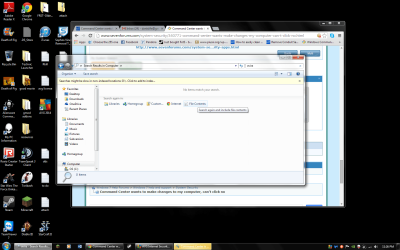


 I feel dumb. My apologies. I knew that wouldn't work. I wasn't thinking. Sorry. UAC when the prompts happen creates a secure desktop, so no programs can run or screenshots can be taken. Whoops.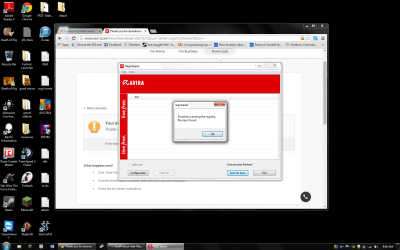
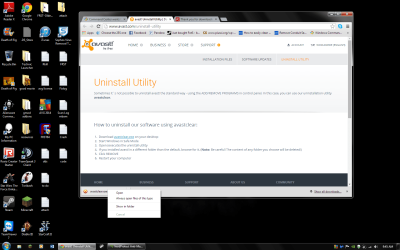
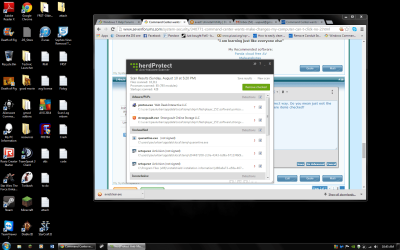
 I would follow the directions on the page: