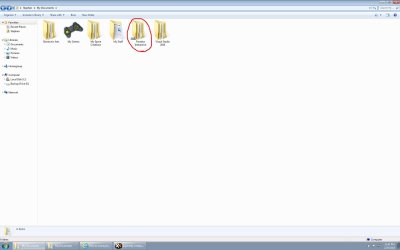
Programs that I have installed on my computer (mostly games) have automatically made their own folders, mainly in My Documents, but also in My Pictures and My Videos. When I move these folders regularly, the program just makes a new one in the previous location when I start it again. So, my question is: how do I move these folders permanently (without losing any information)? Below is a screenshot of the folders in My Documents that I would like to move.

Also, here is a screenshot of what files are in the folder "Electronic Arts> The Sims 3" as an example.

Thanks for your help!
Also, here is a screenshot of what files are in the folder "Electronic Arts> The Sims 3" as an example.
Thanks for your help!
My Computer
At a glance
Windows 7Intel Core i5-35708Gb (2x4GB)Nvidia GeForce GTX 660 Ti
- Computer type
- PC/Desktop
- Computer Manufacturer/Model Number
- N/A
- OS
- Windows 7
- CPU
- Intel Core i5-3570
- Motherboard
- Asus P8277-V
- Memory
- 8Gb (2x4GB)
- Graphics Card(s)
- Nvidia GeForce GTX 660 Ti
- Hard Drives
- 1 TB
- Antivirus
- N/A
- Browser
- Internet Explorer


 *
*