Recently i downloaded the powerISO then i found out that my External hard drive cant be see in My Computer.
I dont know what is going on and whatever i put into my pc , the pc can detect the usb or hard drive but wont show in My computer.
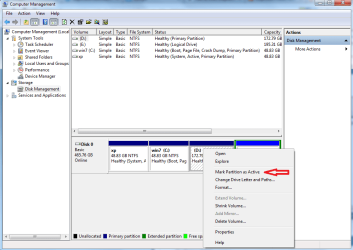
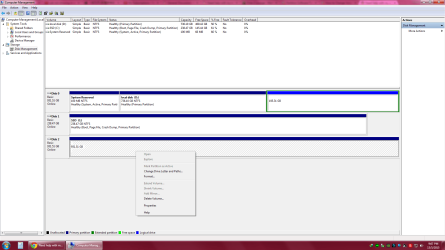
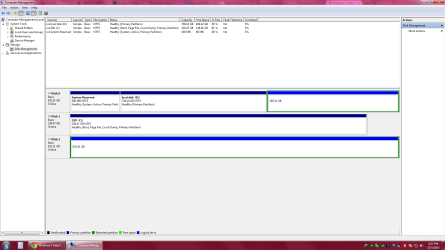
After hours of google , alot people say that they didnt not assign the letter to the hard drive. so i open the Computer management , And then I cant even change the drive letters and path.
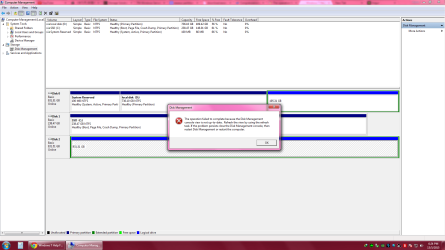
And the computer management shows this 'The operation failed to complete because theDisk Management console view is not up-to-date......
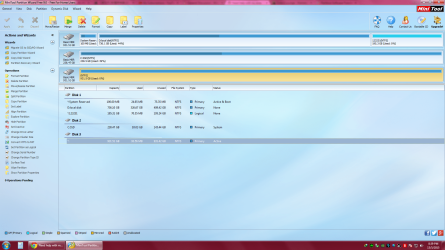
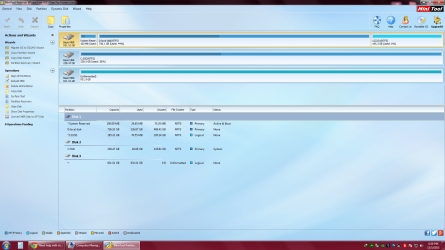
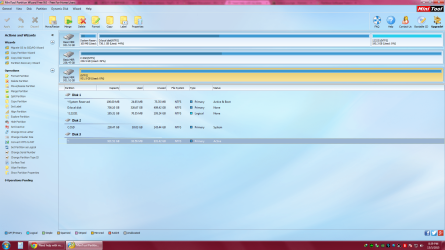
I have use those 3rd party software like minitool partition wizard and i try to change the letters, then it back to the original format.


All i want is the usb or external hard disk can be detected and can use.
Guys please help me.
I dont know what is going on and whatever i put into my pc , the pc can detect the usb or hard drive but wont show in My computer.
After hours of google , alot people say that they didnt not assign the letter to the hard drive. so i open the Computer management , And then I cant even change the drive letters and path.
And the computer management shows this 'The operation failed to complete because theDisk Management console view is not up-to-date......
I have use those 3rd party software like minitool partition wizard and i try to change the letters, then it back to the original format.
All i want is the usb or external hard disk can be detected and can use.
Guys please help me.
Attachments
Last edited:
My Computer
- Computer type
- PC/Desktop
- OS
- windows 7 professional 64bit