PersuasiveMedia
New member
- Local time
- 8:56 AM
- Messages
- 20
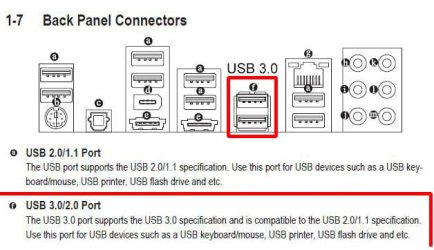
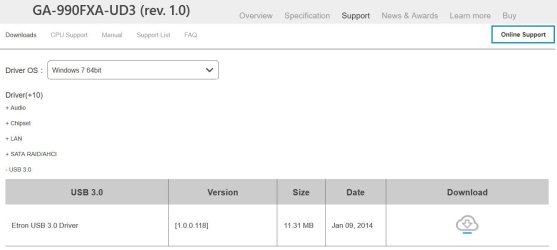
Hello, i dual booted windows 7 for testing purposes and as soon as i booted, my mouse didn't move, then i try testing from another usb port, it works but only one, the 2 from the left is not working. So i go to devmgmt.msc and scan for hardware changes then i get an failed to install drivers, i connected a wlan usb then scan for hardware changes and it's shows an error. How do i get those drivers? Should i install the windows updates? (msu files) Also i am no doing it for daily use i am just testing..
Specs:
AMD A4 6210
AMD RADEON R3
16GB RAM
OS: Windows 10 and Windows 7 dual booted
Specs:
AMD A4 6210
AMD RADEON R3
16GB RAM
OS: Windows 10 and Windows 7 dual booted
My Computers
-
At a glance
Windows 7 Professional x64 With Windows 10 x6...AMD A4 621016GBAMD RADEON R3- Computer type
- PC/Desktop
- OS
- Windows 7 Professional x64 With Windows 10 x64 Dual booted
- CPU
- AMD A4 6210
- Memory
- 16GB
- Graphics Card(s)
- AMD RADEON R3
-
- Computer type
- PC/Desktop