

- Local time
- 5:12 PM
- Messages
- 94
Long story short: I aligned the partitions on my SSD using GParted Live. I tried to boot into Windows and got this error:
It told me to basically do a startup repair from my Win7 DVD. I did so and it fixed it! The startup repair said something about a partition not being found and it was going to edit some Registry entries. It also said it made this backup file, BCD.Backup.0001 in C:/Boot. Found it, it's there.  But, it fixed it.
So, I got into Windows and good stuff: decent performance increase. BUT something has happened to that little Windows Recovery Environment that's built into Windows. Like hit F8 and see that first option, "Repair Your Computer". That one. Every time I try to boot to THAT (not Windows!) it spits the old error, the one you see above.
How can I do a startup repair on Windows Recovery Environment, lol?
Current ideas:
sfc /scannow
some partition table editor or something
Any more?
~Ibrahim~
Code:
"Windows failed to start. Blah, blah, blah check your devices.

Error: 0xc0000225
Info: The boot selection failed because a required device is inaccessible."So, I got into Windows and good stuff: decent performance increase. BUT something has happened to that little Windows Recovery Environment that's built into Windows. Like hit F8 and see that first option, "Repair Your Computer". That one. Every time I try to boot to THAT (not Windows!) it spits the old error, the one you see above.
How can I do a startup repair on Windows Recovery Environment, lol?
Current ideas:
sfc /scannow
some partition table editor or something
Any more?
~Ibrahim~
My Computer
At a glance
Windows 7 Ultimate 64-biti7-720QM6GB DDR3-1.333GHzATI 4670 1GB
- Computer Manufacturer/Model Number
- Dell SXPS 1645
- OS
- Windows 7 Ultimate 64-bit
- CPU
- i7-720QM
- Memory
- 6GB DDR3-1.333GHz
- Graphics Card(s)
- ATI 4670 1GB
- Sound Card
- IDT Integ.
- Monitor(s) Displays
- RGBLED
- Screen Resolution
- 1920x1080
- Hard Drives
- Samsung PM800 256GB SSD
- PSU
- Dell 90W w/ 9-cell

 +1
+1 I still can't get into "Repair Your Computer": same error.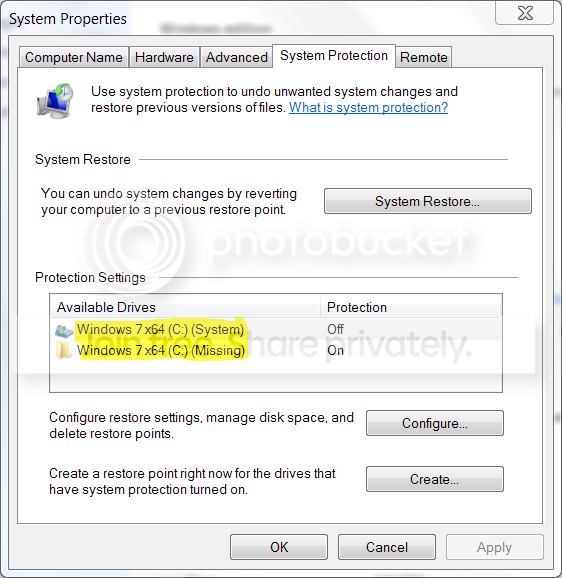
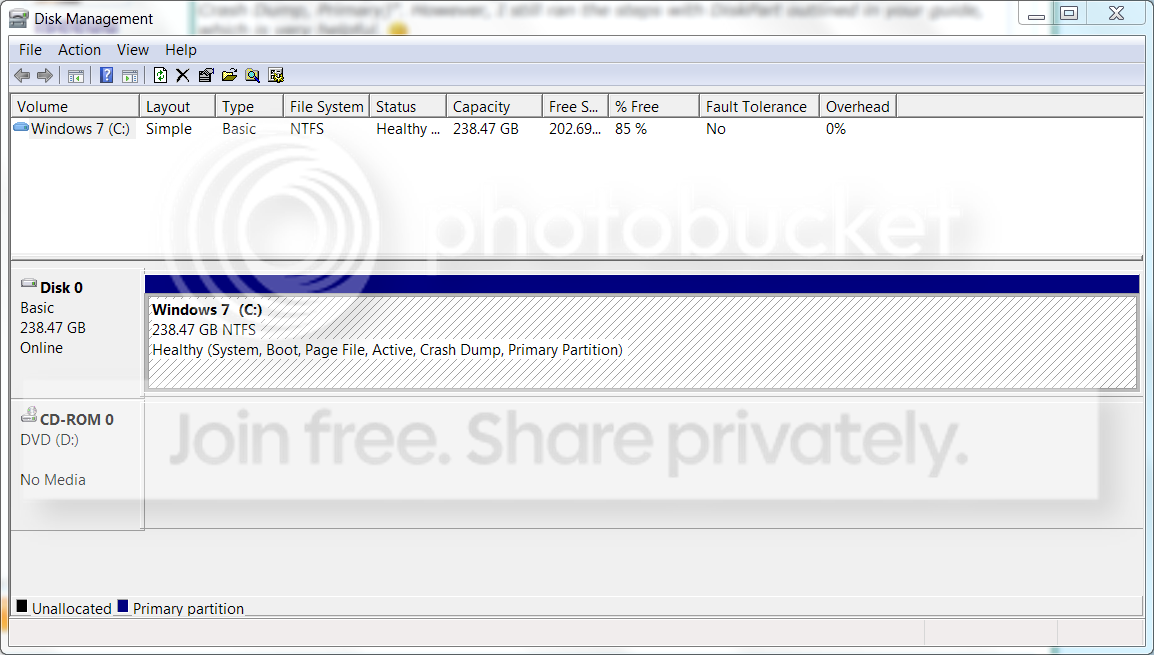
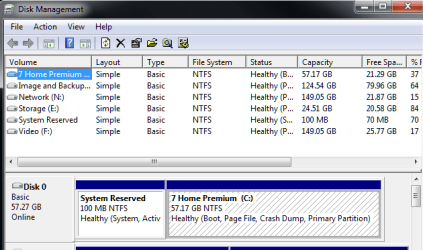
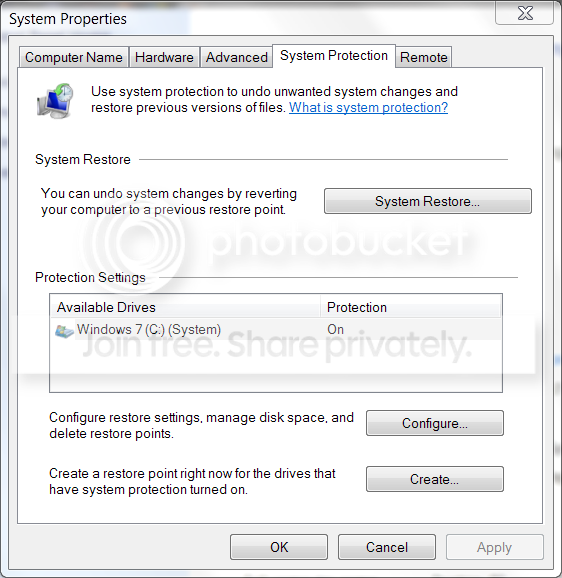
 I confirmed this by using AS SSD Benchmark which listed the alignment as:


