Games Goblin
New member
[Solved] Set-up Belkin N150 Router with Beetel 200BX
Hi Friends,
I just bought a Belkin N150 Wireless Router. I followed the instructions on the Quick Installation guide leaflet, which i have uploaded:
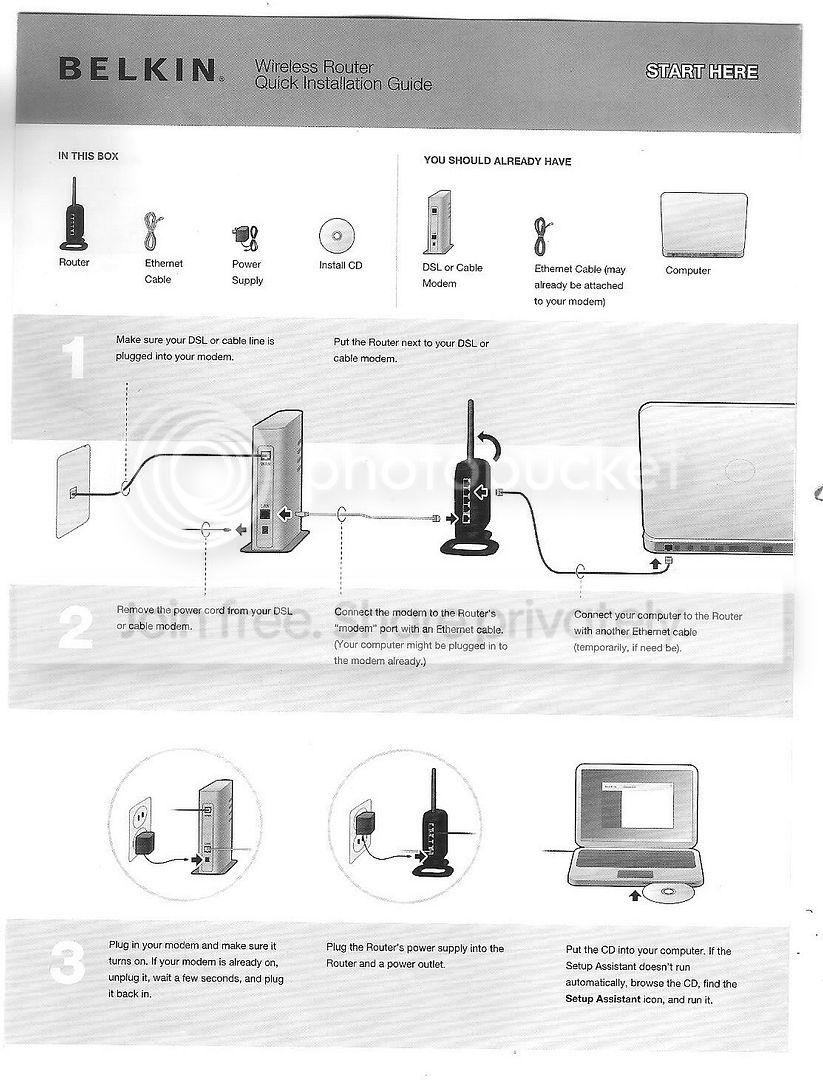
Then I insert the CD and run the setup assistant. It checks the connection to the router and then prompts a restart. After the restart, I am prompted to name the connection
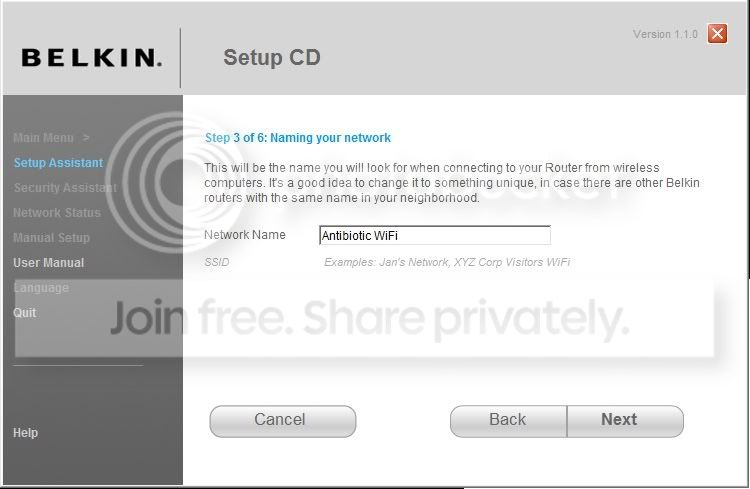
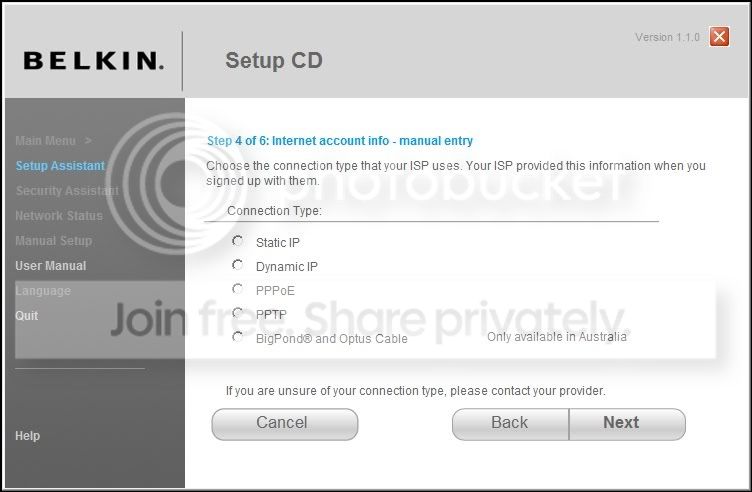
In the next step, I am asked what kind of connection I have. I call up AirTel (my ISP) broadband customer care and ask them about this. The customer care executive replies that it is a PPPoE connection. So i select that and click Next.
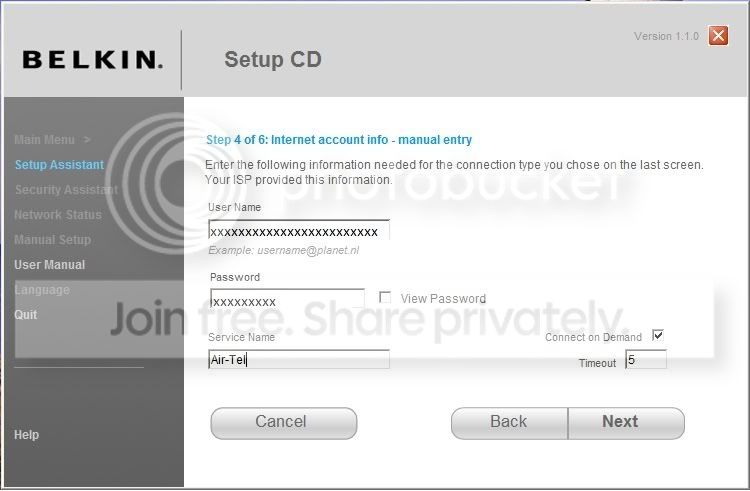
Now, I am asked for the login details. The customer care executive provides me with my login info. I type all this and click next.
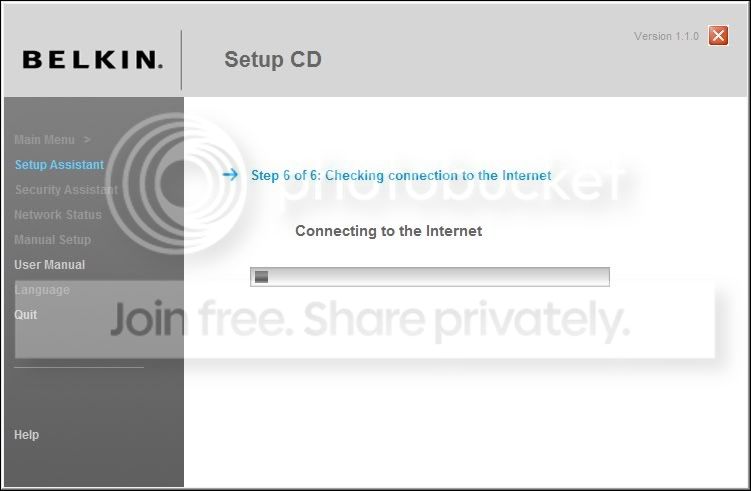
Next, the setup tries to connect to the internet and a progress bar appears.
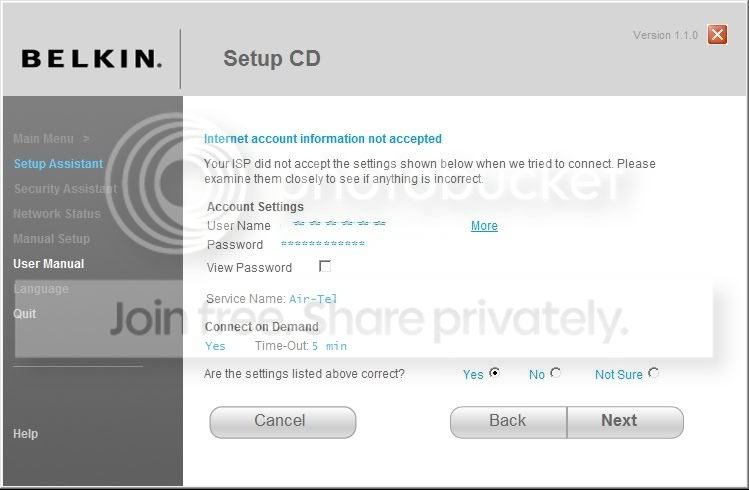
After the progress bar reaches 100%, the following screen comes up:
The 'Wired' and 'Modem' status lights on the router are green. The 'Internet' status light is orange and it blinks.
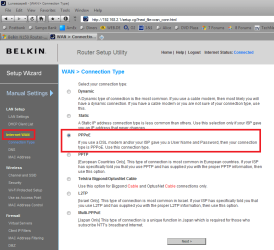
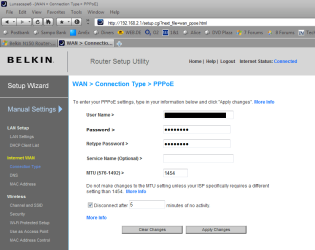
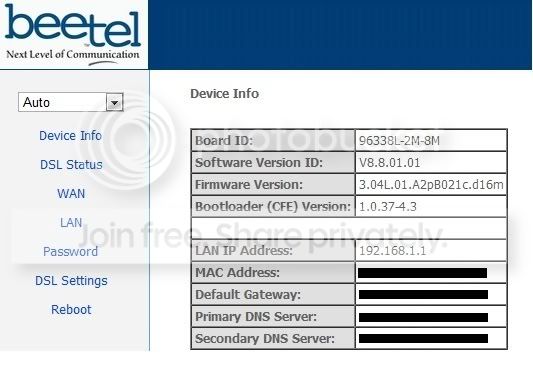
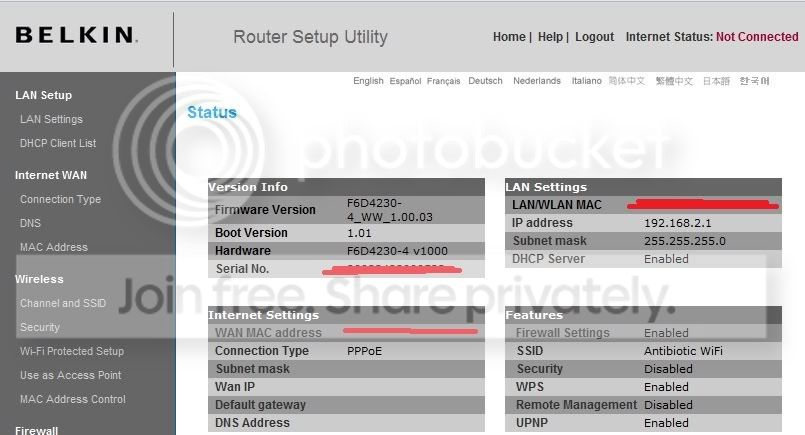
So what am I doing wrong here? The Airtel executive tells me that there may be a conflict with the LAN addresses of the Airtel Modem and the Belkin Router. I have uploaded the config pages of both the Airtel Modem and the Belkin router, as you can see both have different IP addresses
Airtel Modem Config Page
Belkin Router Config Page
My system config is:
Core2 6300 @1.86Ghz
Intel(R) 82566DC Gigabit Network Connection
Windows 7 Ultimate 64-Bit
Beetel 200BX ADSL Modem
Any help is appreciated! I have spent 3 hours getting this to work, but to no avail!:-(
Hi Friends,
I just bought a Belkin N150 Wireless Router. I followed the instructions on the Quick Installation guide leaflet, which i have uploaded:
Then I insert the CD and run the setup assistant. It checks the connection to the router and then prompts a restart. After the restart, I am prompted to name the connection
In the next step, I am asked what kind of connection I have. I call up AirTel (my ISP) broadband customer care and ask them about this. The customer care executive replies that it is a PPPoE connection. So i select that and click Next.
Now, I am asked for the login details. The customer care executive provides me with my login info. I type all this and click next.
Next, the setup tries to connect to the internet and a progress bar appears.
After the progress bar reaches 100%, the following screen comes up:
The 'Wired' and 'Modem' status lights on the router are green. The 'Internet' status light is orange and it blinks.
So what am I doing wrong here? The Airtel executive tells me that there may be a conflict with the LAN addresses of the Airtel Modem and the Belkin Router. I have uploaded the config pages of both the Airtel Modem and the Belkin router, as you can see both have different IP addresses
Airtel Modem Config Page
Belkin Router Config Page
My system config is:
Core2 6300 @1.86Ghz
Intel(R) 82566DC Gigabit Network Connection
Windows 7 Ultimate 64-Bit
Beetel 200BX ADSL Modem
Any help is appreciated! I have spent 3 hours getting this to work, but to no avail!:-(
Last edited:
My Computer
At a glance
Windows 7 Ultimate x64 Version 6.1 (Build 7600)Intel Core2 6300 @ 1.86 GHz2GBSapphire ATI Radeon HD4670 512MB GDDR3
- Computer Manufacturer/Model Number
- Custom
- OS
- Windows 7 Ultimate x64 Version 6.1 (Build 7600)
- CPU
- Intel Core2 6300 @ 1.86 GHz
- Motherboard
- Intel DP965LT
- Memory
- 2GB
- Graphics Card(s)
- Sapphire ATI Radeon HD4670 512MB GDDR3
- Sound Card
- IDT (onboard)
- Monitor(s) Displays
- Dell SP2208WFP
- Screen Resolution
- 1680x1050
- Hard Drives
- Samsung SP2004C SATA
- PSU
- Odyssey 450W
- Case
- Zebronics Antibiotic
- Cooling
- Stock
- Keyboard
- Logitech Easy Keyboard Deluxe
- Mouse
- Logitech Mx510
- Internet Speed
- 256K