

As promised in my New Case thread, here is a fairly complete blow by blow of the mods I'm making to the Thermaltake ExtremeSpeed 3.0 which is a 2.5" HDD hot swap bay with two USB 3.0 ports connected by pass through cables. The bay was marketed as a way to get two USB 3.0 ports on the front panel back when USB 3.0 was too new for most cases to have front USB 3.0 ports and most MOBOs either didn't have USB 3.0 at all or only had it on the rear I/O panel; the swap bay was an extra bell or whistle to fill in the extra space. The USB 3.0 cables, instead of going to a 19 or 20 pin connector that would plug into a header on the MOBO, ended with type A connectors on the ends of two long cables that could be passed through the back panel of a case and plugged into USB 3.0 ports on a MOBO's rear I/O panel or into a PCI or PCI-e card that added USB 3.0 ports on the rear of the case.
Since I'm not actually going to use this in my new case (unless the built in swap bay dies), I've moved this mod to a new thread. The Thermaltake ExtremeSpeed 3.0 has been unofficially discontinued and is becoming scarce so I glommed onto six while I could.
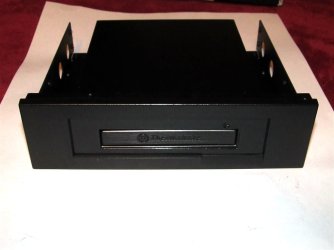
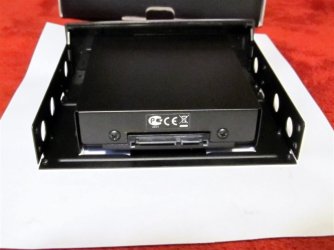
Here is the little beast in all its glory as it came from the factory:

HDD power is via a 4 pin Molex connector on the end of a short cable and the SATA data cable is permanently attached; that is too rinkydink for my tastes so those have to go. The two USB 3.0 ports are unneeded along with their ridiculously long cables so they also need to go buh-bye.
Here is what one sees when the case is opened up.
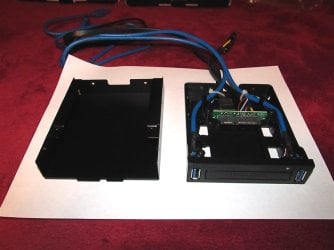
The little white zip ties need to be snipped to liberate the cables from their bondage. The SATA data cable is a conventional cable that could be removed by lifting it up above its retaining bracket and simply pulling it out.

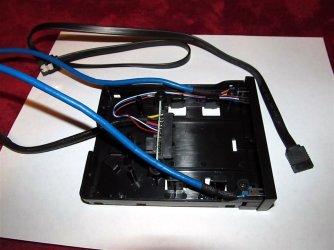
Here I've started removing the USB ports and cables. They are secured by two screws (one has already been removed).
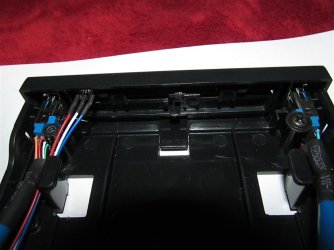
To get enough wiggle room to get the USB ports out, the front panel also has to be removed. It's just held in by three clips.
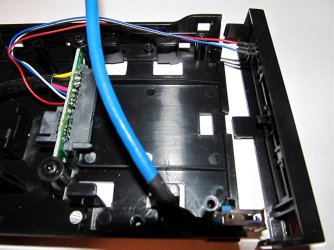
The next thing to come out is the board with the SATA power and data connections on it. It's also held in by two screws (one also already removed).
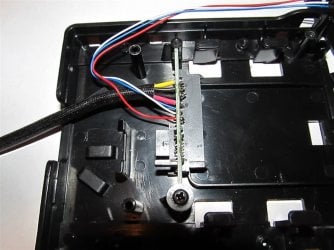
The long bundle of wires going to the front panel is for the LED. It's only held with a little glob of hot melt glue and will fall out shortly.
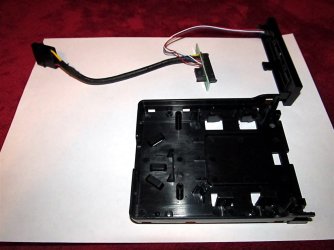
(continued in next post)
Since I'm not actually going to use this in my new case (unless the built in swap bay dies), I've moved this mod to a new thread. The Thermaltake ExtremeSpeed 3.0 has been unofficially discontinued and is becoming scarce so I glommed onto six while I could.
Here is the little beast in all its glory as it came from the factory:
HDD power is via a 4 pin Molex connector on the end of a short cable and the SATA data cable is permanently attached; that is too rinkydink for my tastes so those have to go. The two USB 3.0 ports are unneeded along with their ridiculously long cables so they also need to go buh-bye.
Here is what one sees when the case is opened up.
The little white zip ties need to be snipped to liberate the cables from their bondage. The SATA data cable is a conventional cable that could be removed by lifting it up above its retaining bracket and simply pulling it out.
Here I've started removing the USB ports and cables. They are secured by two screws (one has already been removed).
To get enough wiggle room to get the USB ports out, the front panel also has to be removed. It's just held in by three clips.
The next thing to come out is the board with the SATA power and data connections on it. It's also held in by two screws (one also already removed).
The long bundle of wires going to the front panel is for the LED. It's only held with a little glob of hot melt glue and will fall out shortly.
(continued in next post)
My Computer
At a glance
Win 7 Ultimate 64 bitIntel i7-3930KKingston HyperX Genesis 32GB Kit (8x4GB Modul...MSI R7850 Twin Frozr 2GD5/OC Radeon HD 7850 2...
- Computer type
- PC/Desktop
- Computer Manufacturer/Model Number
- Custom Build
- OS
- Win 7 Ultimate 64 bit
- CPU
- Intel i7-3930K
- Motherboard
- ASUS P9X79 WS
- Memory
- Kingston HyperX Genesis 32GB Kit (8x4GB Modules) 1600MHz DDR
- Graphics Card(s)
- MSI R7850 Twin Frozr 2GD5/OC Radeon HD 7850 2GB 256-bit GDDR
- Sound Card
- Asus Xonar Essence STX
- Monitor(s) Displays
- 3x Asus VG248QE 24", Vizio 32" TV
- Screen Resolution
- 1920 x 1080, ?
- Hard Drives
- Samsung 128GB 840 Pro SSD (1),
Samsung 4TB 850 EVO SSDs (4)
Samsung 4TB 850 EVO SSDs (16) external backup drives used in 2.5" hot swap bays in the computer.
- PSU
- Corsair HX750w
- Case
- Antec Two Hundred v2 (modified)
- Cooling
- Cooler Master GeminII S524 120mm (fan replaced with a 140mm)
- Keyboard
- Logitech G510s
- Mouse
- Logitech M525 (two in use)
- Internet Speed
- =< 32Mbps down, 8Mbps up
- Antivirus
- AVAST!, MBAM, SAS, Spybot S&D (all but MBAM free) Glary Util
- Browser
- IE11
- Other Info
- LSI 9211-8i HBA card (8 SATA III ports), 2.5" & 3.5" Hot Swap Bays, HooToo HT-CR001 PCI-E to USB 3.0 Internal Hub + 6 Slot Card Reader, and LG Model CH12LS28 BD-ROM Optical Drive. Also, ScanSnap S1500 ADF duplexing scanner, Canon 9000F flat bed scanner, Corsair SP2500 2.1 speakers, Samsung CLP 415nw laser color printer, Cyberpower PP2200SW UPS
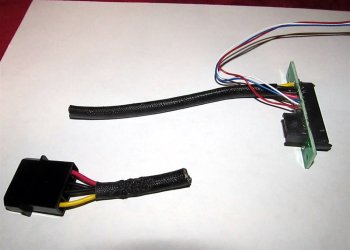
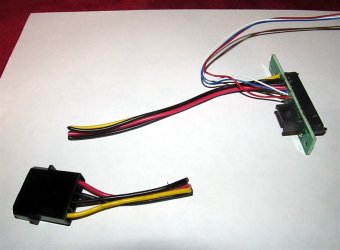
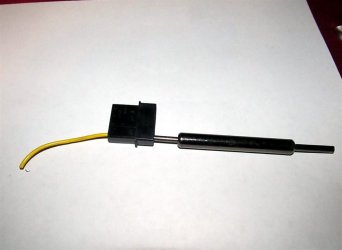
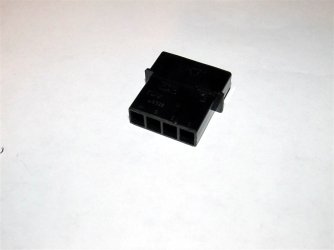
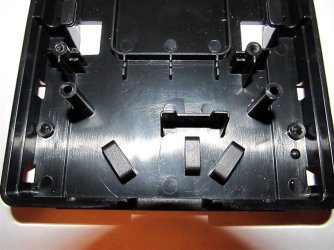
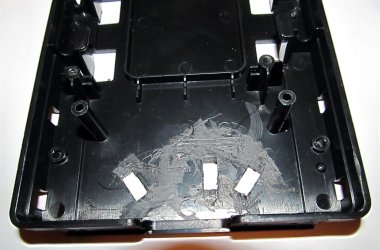
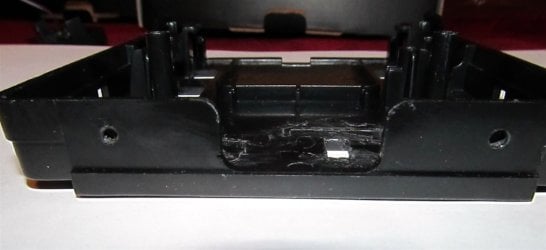
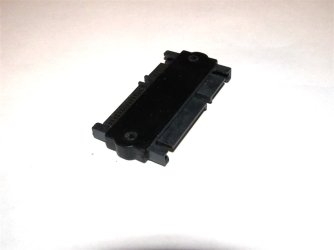
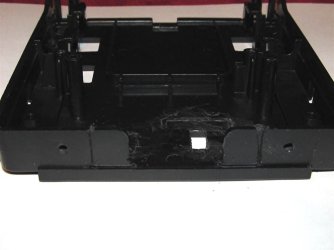

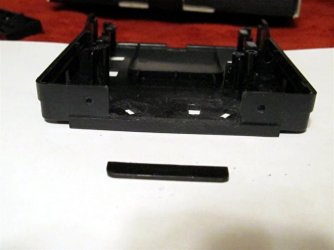
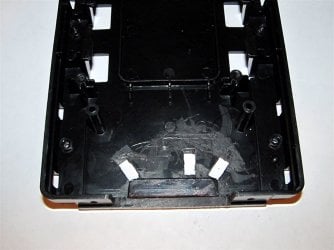
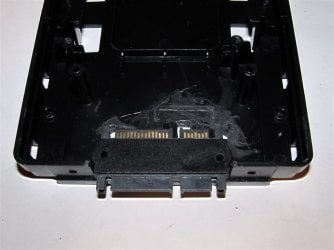
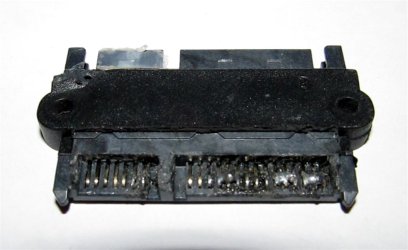
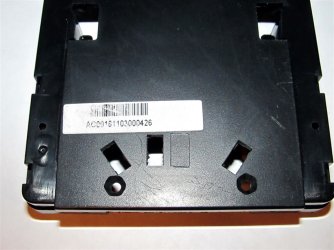
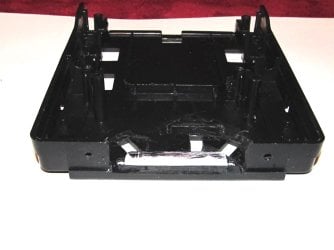
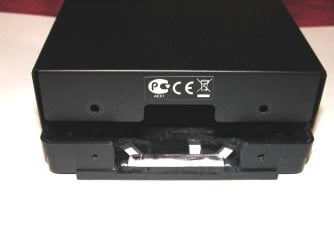
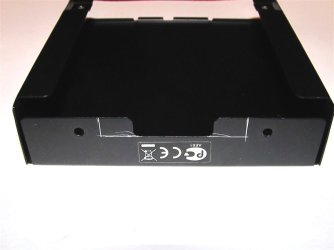
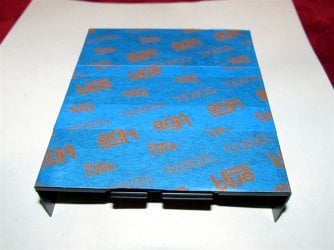
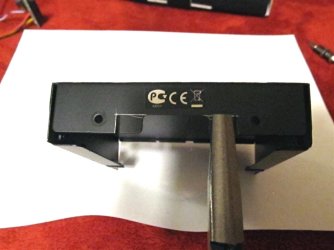

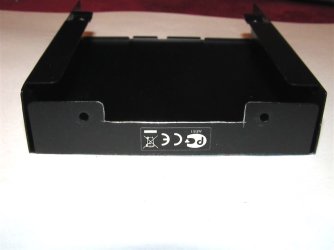
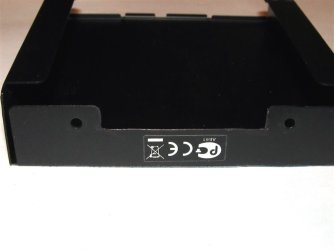
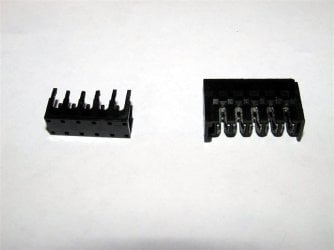
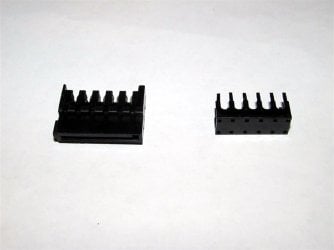
 put it in upside down and bass-akwards; it will get fixed later.
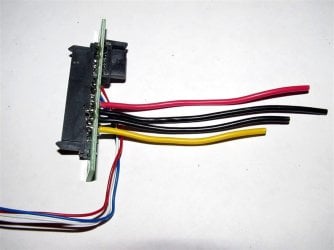
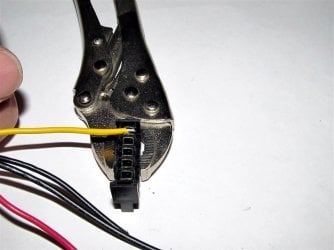
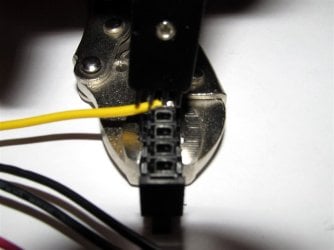
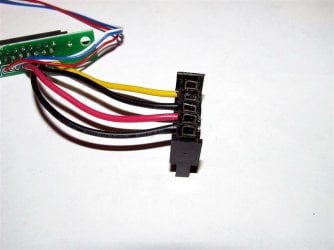
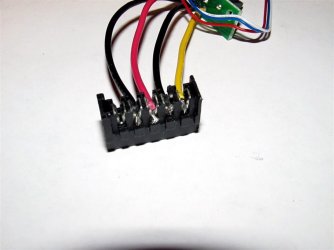
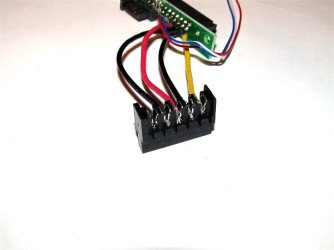

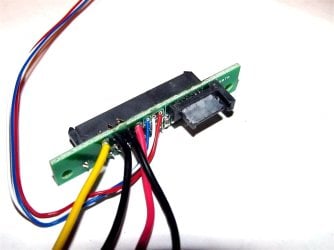
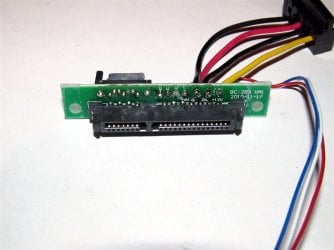
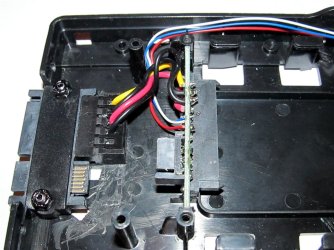
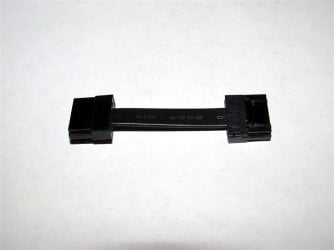
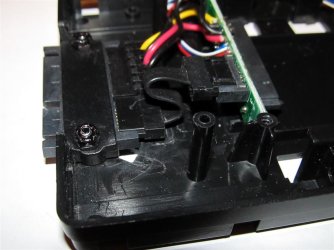
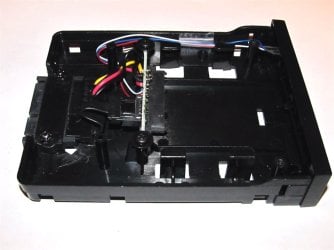


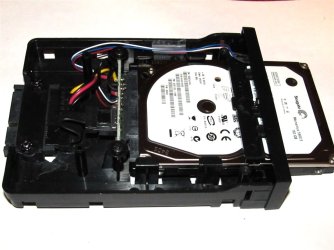
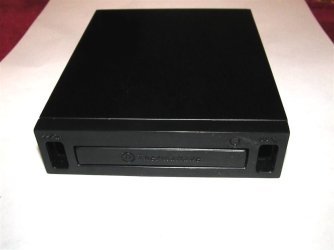
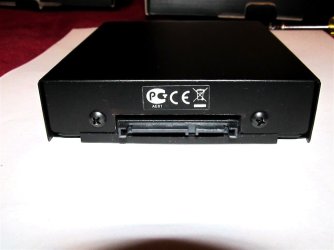
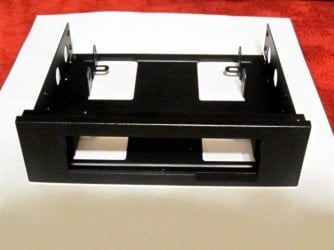
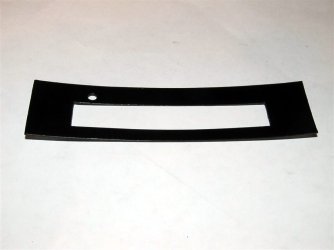
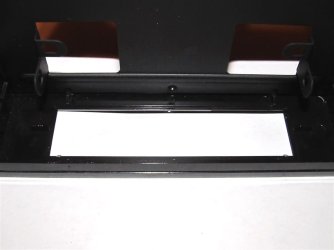
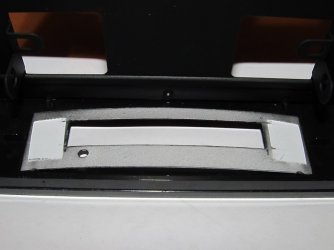

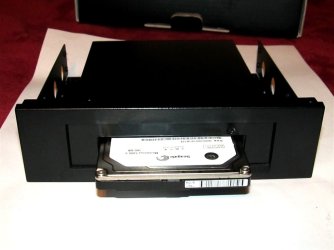


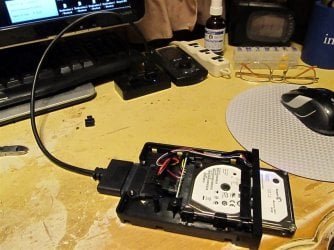

 . I opened the dead one up and managed to isolate the problem to the mighty midget SATA cable inside. It was one of the earlier cables I had problems with getting the little cable retainer to line up properly before I hit on a way to guide the little bugger into place. When I swapped out the existing cable with the one that was destined for the last swap bay to be modded, it then worked properly.


