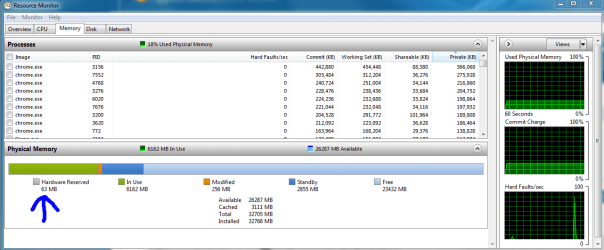
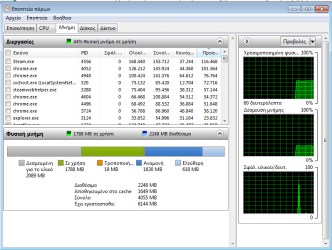
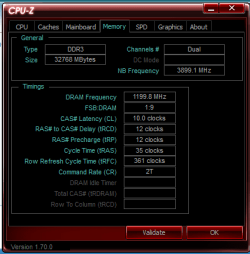
Unfortunately, it still reports the same, so that didn't work.
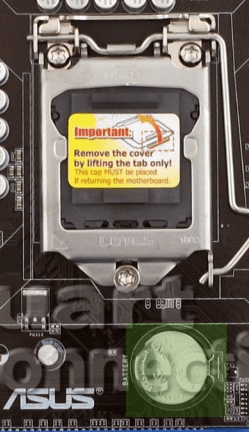
Where did you see the thing about your pci mmio settings I can't find that in the manual for your board anywhere. Have you tried flashing back as Slartybart has suggested? also at this point it cant hurt to just remove the cmos battery for like 15 minutes so that it is for sure at defaults.
EDIT: Make sure your in bios the on-board gpu is set to peg/pci as well (i don't think that's part of your problem but it should be that anyways) it might have to do with pci allocation in conjunction with that.
My Computer
At a glance
10 Pro x64Ryzen 9 3900X64GB(4x16GB) DDR4EVGA 1080ti FTW3
- Computer type
- PC/Desktop
- Computer Manufacturer/Model Number
- Custom
- OS
- 10 Pro x64
- CPU
- Ryzen 9 3900X
- Motherboard
- Asrock x370 Tachi
- Memory
- 64GB(4x16GB) DDR4
- Graphics Card(s)
- EVGA 1080ti FTW3
- Sound Card
- ASUS Xonar Essence STX (V4 Bursons), ODAC rev B, NFB-11, O2
- Monitor(s) Displays
- 3xASUS PB278Q/R, Optoma HD142X
- Screen Resolution
- 3x1440p, 1080p
- Hard Drives
- 512GB 850 EVO(OS, Programs)
4TB (Movies)
3TB (Downloads)
3TB (Programs)
1TB HDD (Games)
2x6TB R1 (videos)
- PSU
- AX760
- Case
- Fractal Define R5
- Cooling
- NH-D15S
- Keyboard
- Massdrop Ctrl with Box Navy's
- Mouse
- G903, Alioth XXL Mat
- Internet Speed
- 280/40
- Antivirus
- MBAM, ESET
- Browser
- Canary 64 Bit
- Other Info
- I also own a Thinkpad P50 Xeon 4K, X220T, X1C5