
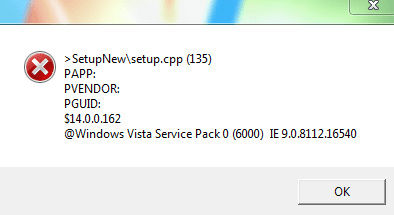
I placed first the folder on the desktop within the driver installation file and then run. After that I placed the driver installation file on the desktop and run it with the right properties. Then I get the following error? I tried it again because the driver from the chipset: Unknown device doesnt disappear.1. Place the driver installation file on the Desktop.
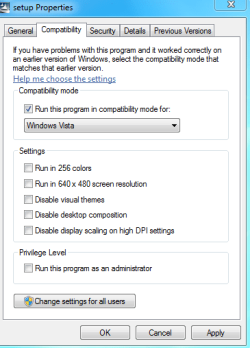
2. Right Click the driver installation file and select Properties/Compatibility Tab. Select Vista
3. Click Apply/OK.
4. Right Click the file and select the Run As Administrator option to install.
Attachments
My Computer
- Computer type
- PC/Desktop
- OS
- 32 bit


 , but we can´t find it and the PC seems to be good, so could it be OK working?


