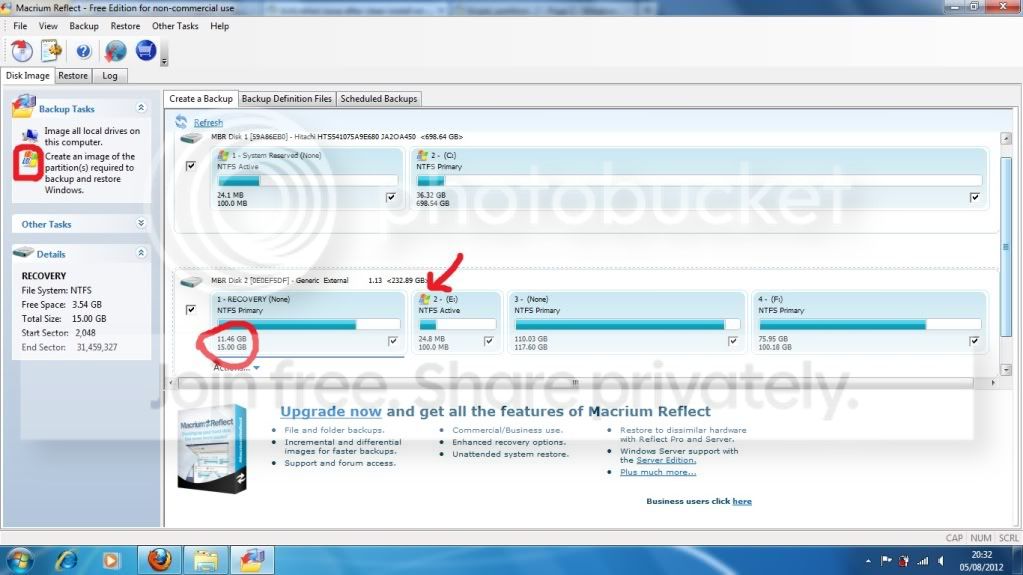
Nah - the BIOS in most machines contains special code to access the Recovery partition, which relies on it being where it's expected to be (which may not be where any sensible person would put it).
Check your manual for teh instructions for use - and whether you can reinstart the old drive and attempt to burn a set of disks from that (I can't remember how stable your system was with the old disk in it?)
Check your manual for teh instructions for use - and whether you can reinstart the old drive and attempt to burn a set of disks from that (I can't remember how stable your system was with the old disk in it?)
My Computer
At a glance
Win 7 x64 Home Premium (and x86 VirtualBox VM...i3 370M/i7 6500U8GB - finally :)/8GBit's an i3, dude!/dual Intel&nVidia
- Computer type
- Laptop
- Computer Manufacturer/Model Number
- Asus K52F or Lenovo B51-80
- OS
- Win 7 x64 Home Premium (and x86 VirtualBox VM)/Win10
- CPU
- i3 370M/i7 6500U
- Motherboard
- Asus/Lenovo
- Memory
- 8GB - finally :)/8GB
- Graphics Card(s)
- it's an i3, dude!/dual Intel&nVidia
- Sound Card
- onboard
- Monitor(s) Displays
- 15.6" built-in
- Screen Resolution
- 1366x768/1920x1080
- Hard Drives
- 750GB Seagate internal
Sundry external drives attached to other computers on the local network
1TB SSD on the Lenovo
- PSU
- n/a
- Internet Speed
- as much as I can get - usually on a dongle/phone, so <1MB/s
- Antivirus
- MSE/Defender
- Browser
- IE11/12/Edge/Chrome/FF(if I must)