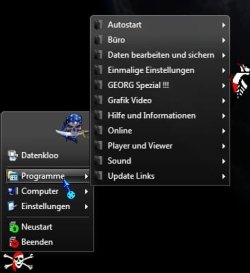
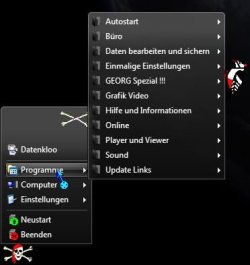
- Local time
- 11:05 PM
- Messages
- 179
In the post #68 is computer a link. I will the computer from windows 7 menu and dir under menu HD's see screenshot:
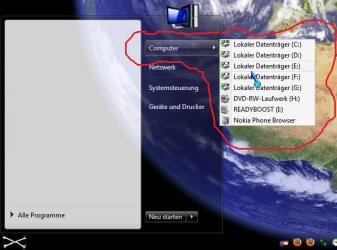
in the classic shell menu created: (When i klick on the computer will i see Drives)
SettingsMenu.Items=CONTROL_PANEL, SEPARATOR, PRINTERS, TaskbarSettingsItem, ?????, SEPARATOR, ClassicSettingsItem
SettingsMenu.Name=$Menu.Settings
SettingsMenu.Icon=shell32.dll,330
?????Item.Command=?????
?????Item.Name=?????
?????Item.Icon=C:\KOPIER.PRG\XP EXIT + REBOOT\ICON085.ICO
????? = Windows 7 Computer Menu !!!
in the classic shell menu created: (When i klick on the computer will i see Drives)
SettingsMenu.Items=CONTROL_PANEL, SEPARATOR, PRINTERS, TaskbarSettingsItem, ?????, SEPARATOR, ClassicSettingsItem
SettingsMenu.Name=$Menu.Settings
SettingsMenu.Icon=shell32.dll,330
?????Item.Command=?????
?????Item.Name=?????
?????Item.Icon=C:\KOPIER.PRG\XP EXIT + REBOOT\ICON085.ICO
????? = Windows 7 Computer Menu !!!
My Computer
At a glance
Windows 7 64 Bit
- OS
- Windows 7 64 Bit