RaphaelVanier
New member
- Local time
- 6:44 PM
- Messages
- 3
Hi there,
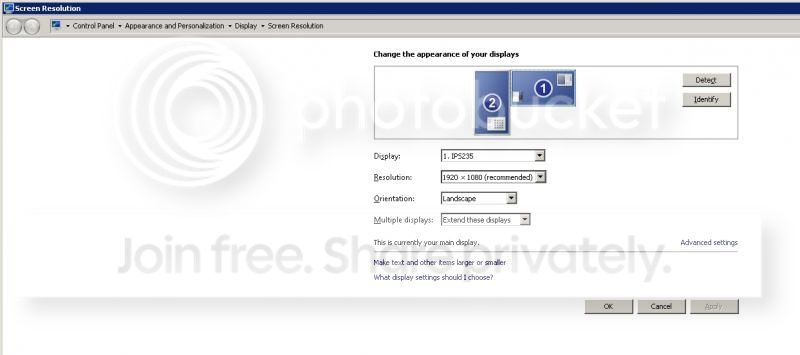
I have just brought a large ACER flat screen monitor to enhance my laptop's capability, get more workspace. I want to use them as dual screens. So I plug the new monitor in the VGA plug in my Lenovo laptop. My new monitor lit up and the output on the new screen becomes the same as in my laptop screen. Now I want to turn it into a dual screen. I go into Control Panel -> Display -> Screen Resolution. I try to press the "Detect" button. I get the message:
"Another display not detected"
I try to set it manually, Multiple displays: "Show desktop only on 1". But that doesn't work, can't press OK.
Any help?
Thanks!
I have just brought a large ACER flat screen monitor to enhance my laptop's capability, get more workspace. I want to use them as dual screens. So I plug the new monitor in the VGA plug in my Lenovo laptop. My new monitor lit up and the output on the new screen becomes the same as in my laptop screen. Now I want to turn it into a dual screen. I go into Control Panel -> Display -> Screen Resolution. I try to press the "Detect" button. I get the message:
"Another display not detected"
I try to set it manually, Multiple displays: "Show desktop only on 1". But that doesn't work, can't press OK.
Any help?
Thanks!
My Computer
- Computer type
- Laptop
- Computer Manufacturer/Model Number
- Lenovo
- OS
- Windows 7 Home Premium 64bit