
KnucklesJarvis
New member
- Local time
- 6:35 AM
- Messages
- 1
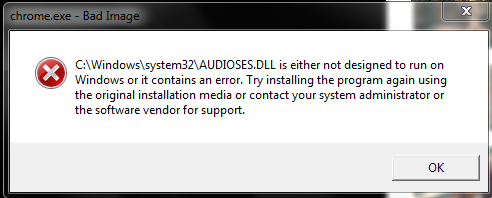
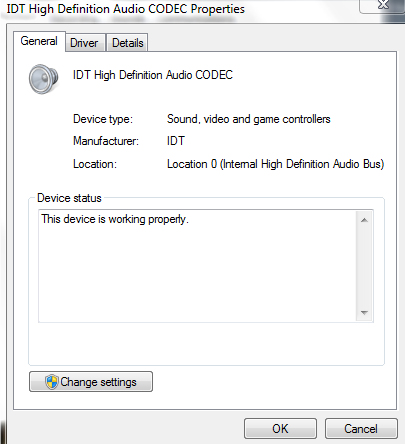
Recently, my computer has began showing this error anytime a program attempts to produce sound. After attempting to reinstall the audio driver, patching the .dll's and using system restore (twice, failing both times) I've reached my breaking point. I'm hoping this issue doesn't come to me reinstalling Windows. 
I have attempted to follow this support topic, but I don't have clean copies of the .dll file available.
How to use the System File Checker tool to troubleshoot missing or corrupted system files on Windows Vista or on Windows 7
Files that are corrupted:
C:\Windows\System32"\[l:24{12}]"IdListen.dll"; source file in store is also corrupted
C:\Windows\System32"\[l:24{12}]"IdListen.dll"; source file in store is also corrupted
C:\Windows\SysWOW64"\[l:24{12}]"AudioSes.dll"; source file in store is also corrupted
Any ideas?
I have attempted to follow this support topic, but I don't have clean copies of the .dll file available.
How to use the System File Checker tool to troubleshoot missing or corrupted system files on Windows Vista or on Windows 7
Files that are corrupted:
C:\Windows\System32"\[l:24{12}]"IdListen.dll"; source file in store is also corrupted
C:\Windows\System32"\[l:24{12}]"IdListen.dll"; source file in store is also corrupted
C:\Windows\SysWOW64"\[l:24{12}]"AudioSes.dll"; source file in store is also corrupted
Any ideas?
My Computer
At a glance
Windows 7 Home Premium 64bit
- OS
- Windows 7 Home Premium 64bit


