Now when you say it allows you to log on, are you already within the OS, or are you logging in from boot up?
Not sure what you mean. I start the laptop, it boots into the Windows welcome screen and I swipe my finger and it boots to the assigned profile. Also, when the computer hibernates, sleeps, or I lock it, the swipe logs me back in.
Also, what type of computer are you using the AES1610 on? Mine is an Asus, and they are terrible about providing updated drivers. Maybe I could use the ones from your manufacturer.
The laptop is from MPC (they went bankrupt 2 years ago, no Win 7 support at all). Again, I got them via Windows Update. They showed up as an optional install, and I installed them.
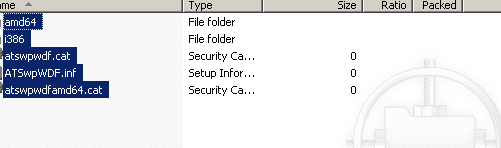
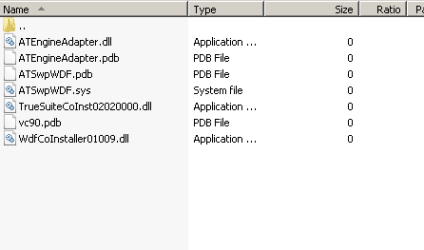
I don't actually have the install files, or if i do, they are packaged as some kind of MS update. I did look in my Program Files directory and TrueSuite was installed. This was done via the update, not by me.
PhreePhly
My Computer
At a glance
Windows 7 x64 (RTM via MSDN)Intel Core 2 Duo T9300 (2.5 GHz)4 GB SODIMMS (System Max)nVidia 8600M GS 256MB
- Computer Manufacturer/Model Number
- MPC Transport T2500 Laptop
- OS
- Windows 7 x64 (RTM via MSDN)
- CPU
- Intel Core 2 Duo T9300 (2.5 GHz)
- Motherboard
- MPC
- Memory
- 4 GB SODIMMS (System Max)
- Graphics Card(s)
- nVidia 8600M GS 256MB
- Sound Card
- Realtek On-Board
- Monitor(s) Displays
- 15.4" LCD with a Dell 2005FPW 20" attached
- Screen Resolution
- 1680x1050 (15.4") and 1680x1050 (20")
- Hard Drives
- Toshiba 2.5" 320 GB 7200 RPM