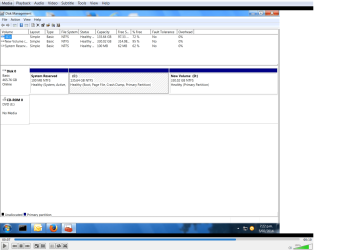
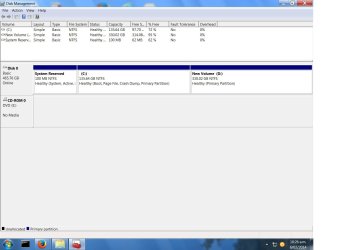
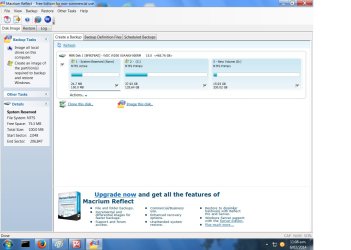
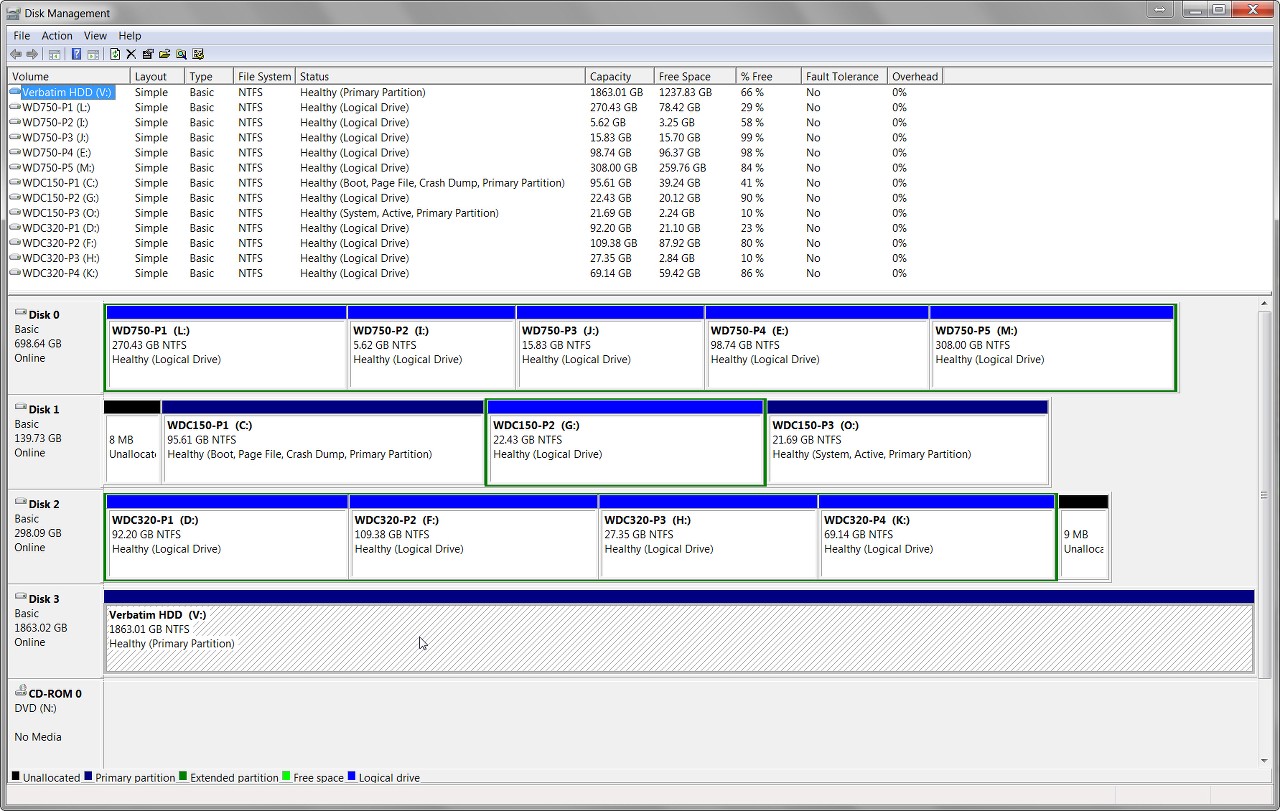
I clicked "image this disc" a few minutes later task completed, D:\ now has a folder "A7FBC3EA3FC1426C-00-00.mrimg"
Is that .MRIMG file (not folder) in the root of D? My own preference would be to create an actual FOLDER at the root level inside of which the backup .MRIMG image backups are then placed. Just a bit cleaner, so that you only have the "image backup folder" at the root level rather than numerous individual backup .MRIMG files.
So for example you might create a "D:\Macrium Images" folder, and then designate that folder as the target location for the Macrium backups. When you create the backup file definition you navigate the "destination folder" to point to that target folder location.
Also, although by default Macrium Reflect will create a file name constructed as an 8-byte (16-hex-digit) arbitrary name, I find that approach to be not terribly user-friendly. Yes it's really no different than having a human-readable file name in terms of what's inside the .MRIMG backup file itself. But if you take various different kinds of backups I feel it is helpful and informative to have a human-readable English file name instead of the 16-hex-digits.
So when I create a backup file definition I UN-CHECK the "use the image-ID as the file name" (even though it shows "recommended). And then I enter my own name in the "backup" field (e.g. "Win7 System Image C"). Then that name will be placed in front of the .MRIMG extension in the output backup file, in the target backup folder.
NOTE: if you are using the "free" version of Macrium Reflect, there is no automatic "pruning" of older generations as you create newer backups. This is referred to as "space management" and is only an automatic feature available with the "standard" (non-free) version of the product. If you don't have this functionality, you'll have to do your own manual deletion of old .MRIMG files every so often, to keep your backup folder under control.
then I scheduled a backup for each month, should be enough, this is a domestic system. There's choice, Full - incremental - differential I chose Full - and hopefully that's that - seem okay to you"
Well in my mind FULL is certainly the right type of "system image" backup to take at regular periodic intervals. As to whether monthly frequency is adequate, well that's up to you. Seems a bit sparse to me. Remember this is your backup, so you have to ask yourself how important is it to potentially lose the last month's worth of data and files I might have updated or created if a disaster struck and I had to go back to my most recent backup (if not one or more versions before that in the case of an extreme disaster).
In my own case, that would never be acceptable... especially not on my HTPC where recorded TV programs that are "copy protected" would not be playable if I had to restore a "system image" that was taken prior to the date/time that the TV program was recorded. So, for example, on my HTPC I actually take TWO "system image" backups per week!!
But on my other systems I take ONE "system image" backup per week. That's good enough, since "system image" is really my Windows operating system backup, protecting me against a corrupted Windows.
However my DATA is also very volatile and important to me. I would not want to lose ANY data if possible, ever. As my earlier post explained, I have a completely separate "data" backup scheme (i.e. separate from my weekly or twice-weekly "system image" backups), using Novabackup (although Macrium Reflect also provides "data" backup capability along with its "system image" backup).
As I described previously, I take a monthly FULL "data" backup (i.e. all folders and files, but NOT the C:\Windows folder) scheduled to run on the 1st of each month. Then, EVERY DAY OF THE MONTH I take an "incremental" backup (which backs up only the data which has been created or changed since yesterday's backup job... full or incremental... ran).
So on a monthly basis I have a FULL backup. And then every day during the month I have an INCREMENTAL backup. This scheme gives me "daily recovery" capability where I have no more exposure to lost data than 1 day tops. As long as a data file existed when that night's data backup (incremental or full) got run, it now is in my backup collection and thus available to be recovered if necessary.
I keep five "sets" of FULL+INCREMENTAL backups, i.e. FIVE months of "daily recoverability", just because I'm paranoid. Novabackup has automatic "grooming/pruning" which I've set at 5 months, so that complete sets older than that are automatically deleted when a new set begins on the 1st of each month.
Again, my own backup scheme reflects my own personal recovery requirements... or rather my own personal paranoia about possibly losing something I'm working on, or inadvertently deleted and didn't discover that deletion for a while. Your own needs and paranoia may not look like mine.
Note that Macrium Reflect can also do "incremental" versions of "system image" backups. I've never used Macrium Reflect for "data" backups, nor for anything but "FULL system image" backups so I can't really argue for or against it. But I've certainly played with Macrium Reflect for "data" backups, both FULL and INCREMENTAL (just like Novabackup) and this works fine and can also be scheduled to run on a monthly and daily basis (just like Novabackup).
Bottom line: I would think your plan to do your own backups only on a monthly schedule seems inadequate. The real question is: "would you cry if you had to restore one of these backups, and you'd just lost everything you'd worked on for the entire last month?" and if so, then you're not backing up often enough.

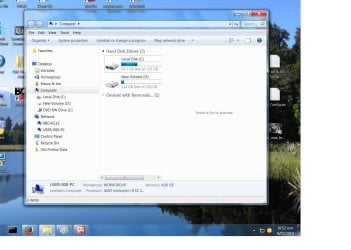
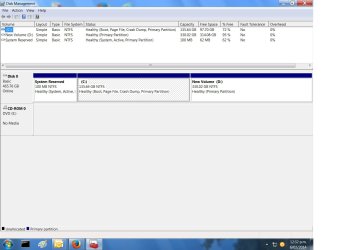
 135GB -- 37GB used